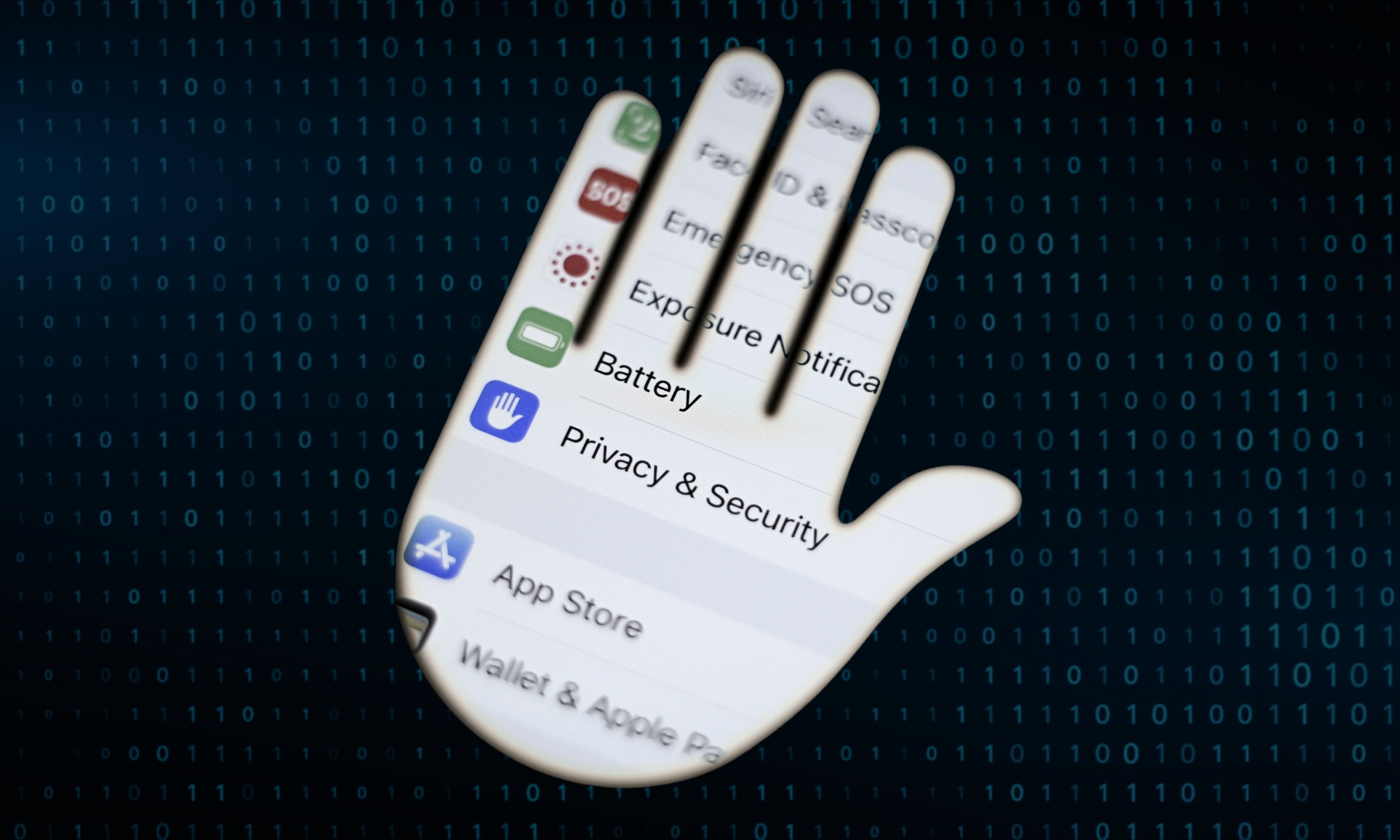
A photo illustration symbolizing personal digital security, showing privacy settings displayed in the shape of a hand against a background of binary code. (Jaap Arriens/NurPhoto via Getty Images)
JoseMonkey is very good at finding people. With their permission, of course.
As a self-styled “open source intelligence researcher” operating on TikTok, Instagram and YouTube, JoseMonkey’s specialty is pinpointing a person’s exact global location using only the non-descript video of their face, which they send him first.
To do this work, JoseMonkey focuses on the background details of the videos he’s sent — like the landscape and visible street signs — and uses publicly available tools like OpenStreetMap. But he only tries to “find people who ask to be found,” JoseMonkey told KQED’s Close All Tabs podcast.
JoseMonkey does this for fun — and also because of his advocacy for online privacy. When he felt like people weren’t taking his concerns about the information they were unknowingly sharing seriously, he took to TikTok for a different approach.
By walking his viewers “through the process of how I could look at a seemingly mundane video that doesn’t show very much” and nonetheless deduce the exact location it was taken, “I thought that might be something that people would think was both interesting, but maybe slightly unsettling,” JoseMonkey said. “And then, they would pay attention to this idea of internet safety.”
Oversharing online is so common that most people don’t think twice about it. Think of the most popular posts online: “Get ready with me,” apartment tours, “Come with me.” Videos like these can, even unwittingly, contain a huge amount of personal geographic information — details which could make them vulnerable to scams or even attacks.
“The important takeaway here is that a sufficiently motivated individual who has an attention to detail and time to spend … can find you from a video,” JoseMonkey explained. “I don’t wanna scare people by saying that, but people should know it is possible.”
KQED’s Close All Tabs spoke to JoseMonkey and other experts on how you can start the new year with privacy in mind by adjusting some of your digital habits — without overwhelming you too much.
You don’t need to guard yourself against every threat that exists, explained Eva Galperin, the director of cybersecurity at the Electronic Frontier Foundation.
The only way to really do that is to “live as a hermit on a mountain and fling all of your devices into the sea,” she said.
Instead, Galperin said, it’s more helpful to think about what advocates like her call “threat modeling”: What you want to protect and who you want to protect it from.
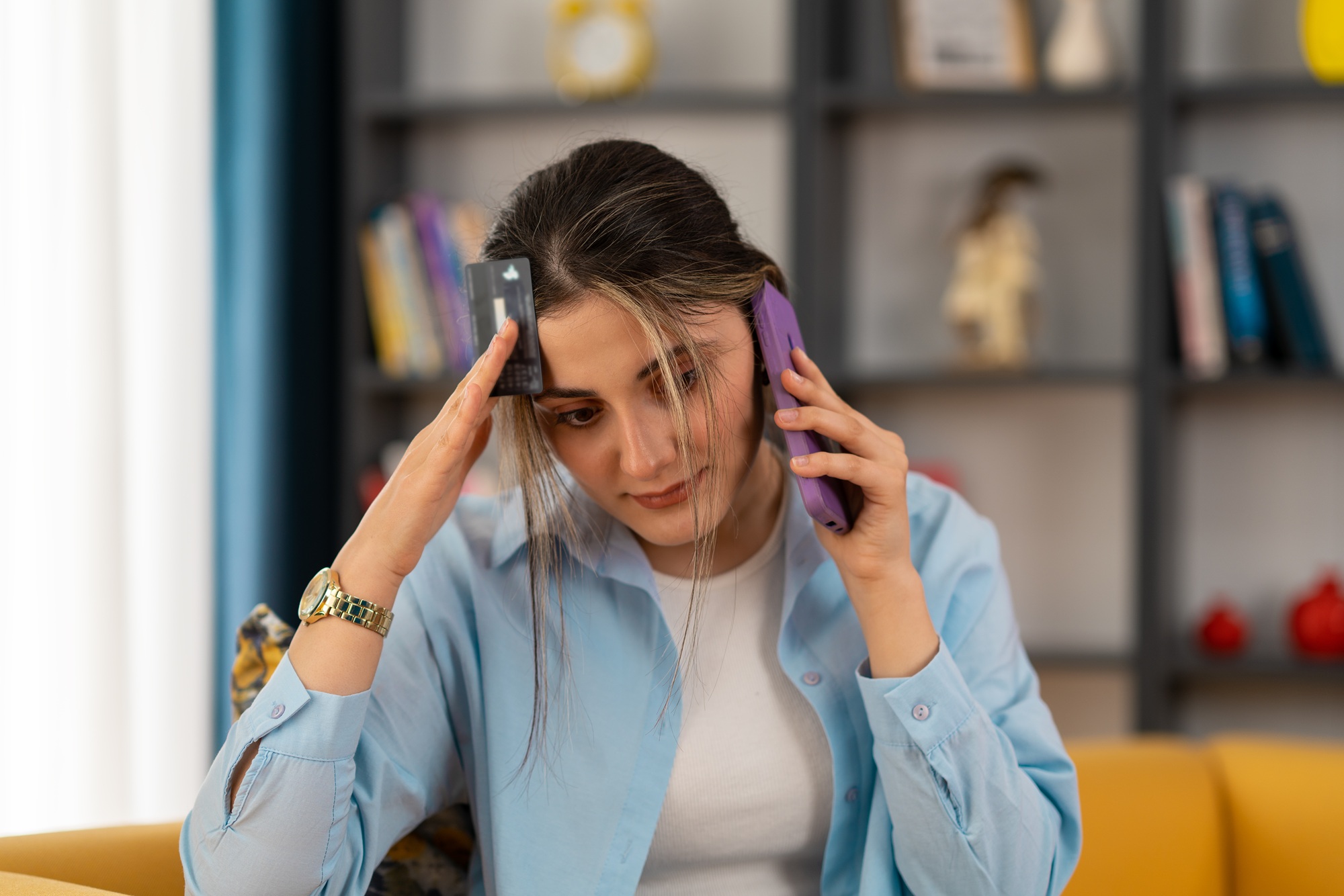
A worst-case scenario of having your digital privacy breached: Losing out financially. (Rain Star/Getty Images)
Some of the common threat models you might consider:
Being scammed online by ransomware …
For most people, their threat is scammers looking for money, access to their accounts or access to people who trust them.
“One of the big problems that we have right now is that we are in a golden age of grift,” Galperin explained. And if you have a phone, email address or any way of being reached, you are “constantly getting messages from scammers and criminals.”
“A lot of us feel very smart because every day we get targeted with, like, six of these things and we don’t fall for it,” she said. “But what’s really important to understand is that all a scammer needs is for you to have one bad day.”
A common method is ransomware, in which a scammer tricks you into downloading software that locks up your devices and holds them hostage until you pay a ransom — or in some cases, uses such software to spy on you.
… or a phishing attempt
Related Article
Phishing entails a bad actor pretending to be someone you trust — a bank, a friend, a family member — and luring you into clicking on a link, or logging into a fake website to obtain information.
You may be able to tell you are being phished by viewing the message closely and noticing inconsistencies, like the email address being slightly wrong.
“A sort of indicator of a scam is a sense of urgency,” Galperin said. “‘Something is on fire,’ ‘an emergency is happening’ or ‘you could get rich if you click here in the next five minutes.’”
“That sense of urgency is aimed at overriding your common sense,” she warned.
Being tracked as someone seeking an abortion
Experts worry about the digital safety of people seeking reproductive care across state borders following the overturning of Roe v. Wade.
When communicating about abortion, a major way that patients and providers can protect their messages is to use an encrypted app, like Signal.
In this case, end-to-end encryption means that your telecommunications company and the messaging platform can’t read your messages.
Being threatened as a survivor of domestic abuse
Creating a threat model for scenarios like domestic abuse is harder, often because an abuser can gain physical access to a person’s possessions, like their phone.
When talking to survivors of domestic abuse who are attempting to leave an abuser, Galperin said the first thing she suggests is creating a new account — or a device — where they know their communications will be safe and private.
How can my posts and videos reveal too much about my location?
Always review what you are posting before you post it, JoseMonkey said — even though “many people” never take this step.
“They record something, and they just press send,” he said. And a person may not even realize “that there was some big thing that they forgot that they didn’t want to include,” he warns, until the post is out there.
This could, for example, be a visible street sign behind you, which can be easily remedied by cropping it out or covering it with text or a sticker — or just rerecording the video to keep it out.
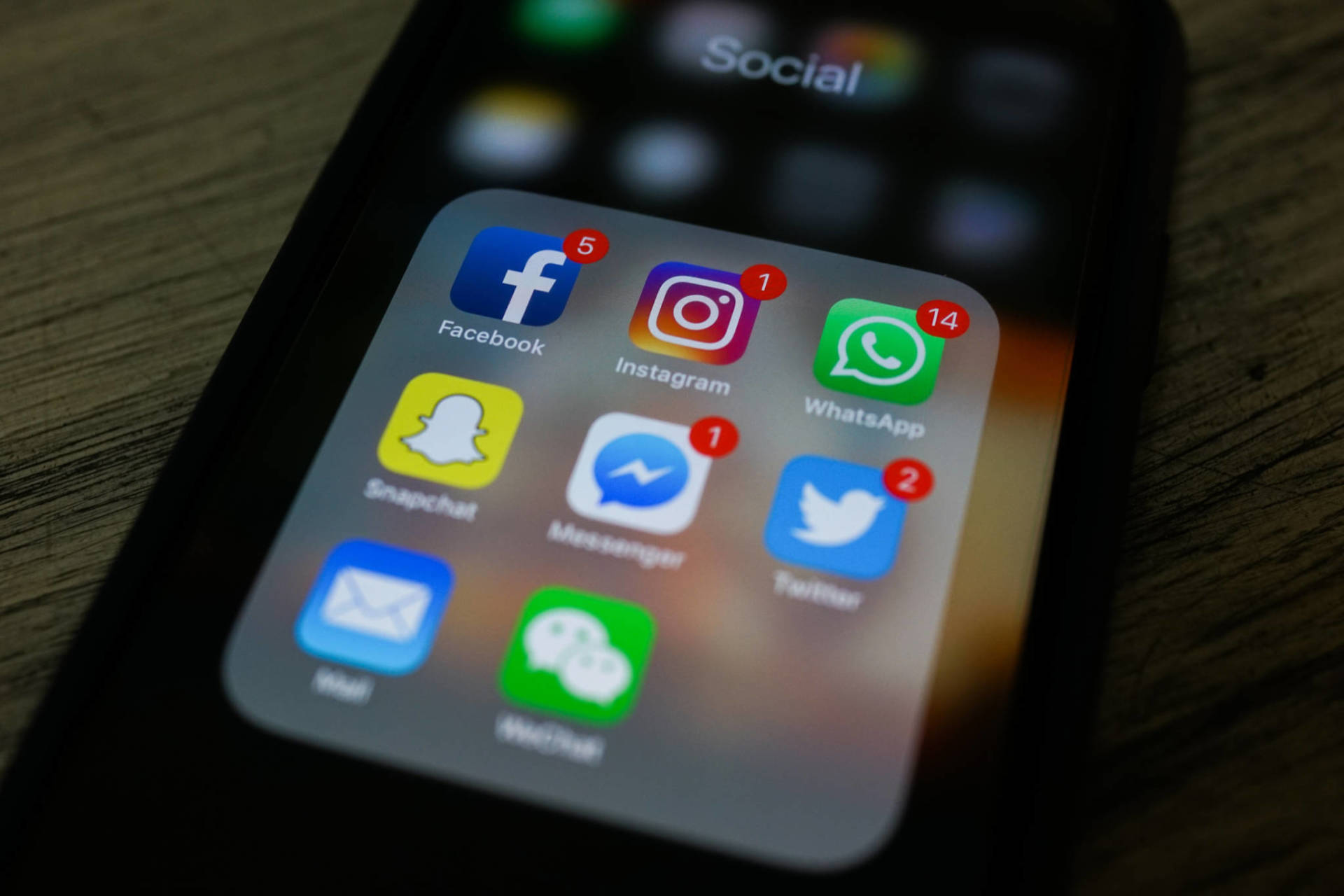
How can you protect your digital privacy online, especially when it comes to sharing details on social media? (Chandan Khanna/AFP/Getty Images)
A more subtle aspect people may not think about? “The more you move the camera, the more information you’re going to show,” JoseMonkey said.
“If you’re out for a walk somewhere, people can see everything around you,” he added.
Many people record videos in their car, but “people underestimate how much you can see through the windows of your car,” JoseMonkey warned. And if the car’s mirrors or its GPS are visible, that’s more information being shared.
Be mindful of your posting history — “you may not remember that three years ago, you posted something that’s still there on your account that revealed some other bit of information,” he said.
And this could be spread across several platforms. You tweeted something on one account, you posted a picture on another, have your LinkedIn on another, and a larger picture about you is created.
“Now people have all these bits and pieces of information about you,” JoseMonkey said — and you’ve potentially made it far easier for someone to find you.”
OK, I’m convinced. What should my first steps to improve my digital safety be?
While the world of surveillance and privacy can be incredibly overwhelming (and scary), it shouldn’t completely discourage you from adopting good practices that are attainable for anyone with a phone or computer.
Consider the following checklist a form of basic digital hygiene — like washing your hands — that can help make you safer from the “kinds of threats that most people face every day,” Galperin explained.
What are some easy digital habits you can pick up in the new year that can protect your privacy online? (istock/GaudiLab)
Strengthen — and manage — your passwords — and get a password manager
To secure your accounts, Galperin said, you should make sure:
All of your passwords are different from one another
“Your password manager will be unlocked with a single password,” Galperin said. “That single password again should be long and strong, and easy for you to memorize.”
To make this single password easier to manage, Galperin recommends using a pass phrase instead: “Like five or six words, chosen at random.”
In choosing a password manager, Galperin said that you should search the name of the application and “security incident” — to make sure the password manager you’re considering doesn’t have a history of being broken into. For example, LastPass — once one of the more popular password managers — has faced controversy for a 2022 breach that still sees theft today.
“If it has a history of being untrustworthy, don’t touch it,” she said. But “if you don’t find a bunch of security incidents, it’s probably OK or good enough.”
Ultimately, though, the best password manager is the “one you actually use,” and that fits your daily life, Galperin said.
“If you spend a bunch of time getting a top-of-the-line password manager and then you only put two passwords in it, then you haven’t really done yourself a lot of good,” she said.
Install two-factor authentication
Two-factor authentication, or 2FA — also called multi-factor authentication or MFA — adds another layer of protection to your account beyond just your password. Many websites and applications encourage you to activate 2FA on your profiles, like Instagram, Discord and Gmail.
Related Article
How it looks for most users: you enter your password, and then the website will send a unique code to you through SMS (a text) or to your email account, which you then enter back into the website. After that, you will have access to your account.
But Galperin points out that contrary to what you might assume, getting a code through SMS is actually “the least secure way” of protecting your account — because “SMS messages are not encrypted,” and it’s “possible to intercept them.”
While SMS is better than nothing in most cases, Galperin recommended instead using an authenticator app, which syncs to your account and receives your code. Examples of these kinds of apps include Duo Mobile and Google Authenticator.
Another layer of security could be getting a physical key: a keychain-sized flash drive that you can insert into your devices, allowing you to log in. But keep in mind, “if you break your physical key and you don’t have a backup key somewhere, you can end up locked out of your account,” Galperin said.
She also doesn’t recommend using a physical key to survivors of domestic abuse, or anyone in “a situation in which you need to secure your account against somebody who has physical access to you.”
Pull your data from the brokers selling it
Data brokers collect your information and sell it through all sorts of means, including scraping from public records. These brokers can also grab personal information from tracking cookies, which can trace your browsing history and social media interactions.
You can mitigate the latter by installing an extension like Privacy Badger on your web browser, Galperin said. Privacy Badger’s website states that it stops advertisers and other third-party trackers from “secretly tracking where you go and what pages you look at on the web.”
window.__IS_SSR__=true
window.__INITIAL_STATE__={
"attachmentsReducer": {
"audio_0": {
"type": "attachments",
"id": "audio_0",
"imgSizes": {
"kqedFullSize": {
"file": "https://ww2.kqed.org/news/wp-content/themes/KQED-unified/img/audio_bgs/background0.jpg"
}
}
},
"audio_1": {
"type": "attachments",
"id": "audio_1",
"imgSizes": {
"kqedFullSize": {
"file": "https://ww2.kqed.org/news/wp-content/themes/KQED-unified/img/audio_bgs/background1.jpg"
}
}
},
"audio_2": {
"type": "attachments",
"id": "audio_2",
"imgSizes": {
"kqedFullSize": {
"file": "https://ww2.kqed.org/news/wp-content/themes/KQED-unified/img/audio_bgs/background2.jpg"
}
}
},
"audio_3": {
"type": "attachments",
"id": "audio_3",
"imgSizes": {
"kqedFullSize": {
"file": "https://ww2.kqed.org/news/wp-content/themes/KQED-unified/img/audio_bgs/background3.jpg"
}
}
},
"audio_4": {
"type": "attachments",
"id": "audio_4",
"imgSizes": {
"kqedFullSize": {
"file": "https://ww2.kqed.org/news/wp-content/themes/KQED-unified/img/audio_bgs/background4.jpg"
}
}
},
"placeholder": {
"type": "attachments",
"id": "placeholder",
"imgSizes": {
"thumbnail": {
"file": "https://cdn.kqed.org/wp-content/uploads/2024/12/KQED-Default-Image-816638274-2000x1333-1-160x107.jpg",
"width": 160,
"height": 107,
"mimeType": "image/jpeg"
},
"medium": {
"file": "https://cdn.kqed.org/wp-content/uploads/2024/12/KQED-Default-Image-816638274-2000x1333-1-800x533.jpg",
"width": 800,
"height": 533,
"mimeType": "image/jpeg"
},
"medium_large": {
"file": "https://cdn.kqed.org/wp-content/uploads/2024/12/KQED-Default-Image-816638274-2000x1333-1-768x512.jpg",
"width": 768,
"height": 512,
"mimeType": "image/jpeg"
},
"large": {
"file": "https://cdn.kqed.org/wp-content/uploads/2024/12/KQED-Default-Image-816638274-2000x1333-1-1020x680.jpg",
"width": 1020,
"height": 680,
"mimeType": "image/jpeg"
},
"1536x1536": {
"file": "https://cdn.kqed.org/wp-content/uploads/2024/12/KQED-Default-Image-816638274-2000x1333-1-1536x1024.jpg",
"width": 1536,
"height": 1024,
"mimeType": "image/jpeg"
},
"fd-lrg": {
"file": "https://cdn.kqed.org/wp-content/uploads/2024/12/KQED-Default-Image-816638274-2000x1333-1-1536x1024.jpg",
"width": 1536,
"height": 1024,
"mimeType": "image/jpeg"
},
"fd-med": {
"file": "https://cdn.kqed.org/wp-content/uploads/2024/12/KQED-Default-Image-816638274-2000x1333-1-1020x680.jpg",
"width": 1020,
"height": 680,
"mimeType": "image/jpeg"
},
"fd-sm": {
"file": "https://cdn.kqed.org/wp-content/uploads/2024/12/KQED-Default-Image-816638274-2000x1333-1-800x533.jpg",
"width": 800,
"height": 533,
"mimeType": "image/jpeg"
},
"post-thumbnail": {
"file": "https://cdn.kqed.org/wp-content/uploads/2024/12/KQED-Default-Image-816638274-2000x1333-1-672x372.jpg",
"width": 672,
"height": 372,
"mimeType": "image/jpeg"
},
"twentyfourteen-full-width": {
"file": "https://cdn.kqed.org/wp-content/uploads/2024/12/KQED-Default-Image-816638274-2000x1333-1-1038x576.jpg",
"width": 1038,
"height": 576,
"mimeType": "image/jpeg"
},
"xxsmall": {
"file": "https://cdn.kqed.org/wp-content/uploads/2024/12/KQED-Default-Image-816638274-2000x1333-1-160x107.jpg",
"width": 160,
"height": 107,
"mimeType": "image/jpeg"
},
"xsmall": {
"file": "https://cdn.kqed.org/wp-content/uploads/2024/12/KQED-Default-Image-816638274-2000x1333-1-672x372.jpg",
"width": 672,
"height": 372,
"mimeType": "image/jpeg"
},
"small": {
"file": "https://cdn.kqed.org/wp-content/uploads/2024/12/KQED-Default-Image-816638274-2000x1333-1-672x372.jpg",
"width": 672,
"height": 372,
"mimeType": "image/jpeg"
},
"xlarge": {
"file": "https://cdn.kqed.org/wp-content/uploads/2024/12/KQED-Default-Image-816638274-2000x1333-1-1020x680.jpg",
"width": 1020,
"height": 680,
"mimeType": "image/jpeg"
},
"full-width": {
"file": "https://cdn.kqed.org/wp-content/uploads/2024/12/KQED-Default-Image-816638274-2000x1333-1-1920x1280.jpg",
"width": 1920,
"height": 1280,
"mimeType": "image/jpeg"
},
"guest-author-32": {
"file": "https://cdn.kqed.org/wp-content/uploads/2025/01/KQED-Default-Image-816638274-1333x1333-1-160x160.jpg",
"width": 32,
"height": 32,
"mimeType": "image/jpeg"
},
"guest-author-50": {
"file": "https://cdn.kqed.org/wp-content/uploads/2025/01/KQED-Default-Image-816638274-1333x1333-1-160x160.jpg",
"width": 50,
"height": 50,
"mimeType": "image/jpeg"
},
"guest-author-64": {
"file": "https://cdn.kqed.org/wp-content/uploads/2025/01/KQED-Default-Image-816638274-1333x1333-1-160x160.jpg",
"width": 64,
"height": 64,
"mimeType": "image/jpeg"
},
"guest-author-96": {
"file": "https://cdn.kqed.org/wp-content/uploads/2025/01/KQED-Default-Image-816638274-1333x1333-1-160x160.jpg",
"width": 96,
"height": 96,
"mimeType": "image/jpeg"
},
"guest-author-128": {
"file": "https://cdn.kqed.org/wp-content/uploads/2025/01/KQED-Default-Image-816638274-1333x1333-1-160x160.jpg",
"width": 128,
"height": 128,
"mimeType": "image/jpeg"
},
"detail": {
"file": "https://cdn.kqed.org/wp-content/uploads/2025/01/KQED-Default-Image-816638274-1333x1333-1-160x160.jpg",
"width": 160,
"height": 160,
"mimeType": "image/jpeg"
},
"kqedFullSize": {
"file": "https://cdn.kqed.org/wp-content/uploads/2024/12/KQED-Default-Image-816638274-2000x1333-1.jpg",
"width": 2000,
"height": 1333
}
}
},
"news_12070517": {
"type": "attachments",
"id": "news_12070517",
"meta": {
"index": "attachments_1716263798",
"site": "news",
"id": "12070517",
"found": true
},
"title": "CloseAllTabsDataPrivacy",
"publishDate": 1768955212,
"status": "inherit",
"parent": 12070405,
"modified": 1768955599,
"caption": "A photo illustration symbolizing personal digital security, showing privacy settings displayed in the shape of a hand against a background of binary code. ",
"credit": "Jaap Arriens/NurPhoto via Getty Images",
"altTag": "A stylized image showing digital privacy security settings cut out in the shape of a hand, set against a dark background filled with binary numbers.",
"description": null,
"imgSizes": {
"thumbnail": {
"file": "https://cdn.kqed.org/wp-content/uploads/sites/10/2026/01/CloseAllTabsDataPrivacy-160x96.jpg",
"width": 160,
"height": 96,
"mimeType": "image/jpeg"
},
"1536x1536": {
"file": "https://cdn.kqed.org/wp-content/uploads/sites/10/2026/01/CloseAllTabsDataPrivacy-1536x922.jpg",
"width": 1536,
"height": 922,
"mimeType": "image/jpeg"
},
"post-thumbnail": {
"file": "https://cdn.kqed.org/wp-content/uploads/sites/10/2026/01/CloseAllTabsDataPrivacy-672x372.jpg",
"width": 672,
"height": 372,
"mimeType": "image/jpeg"
},
"twentyfourteen-full-width": {
"file": "https://cdn.kqed.org/wp-content/uploads/sites/10/2026/01/CloseAllTabsDataPrivacy-1038x576.jpg",
"width": 1038,
"height": 576,
"mimeType": "image/jpeg"
},
"npr-cds-wide": {
"file": "https://cdn.kqed.org/wp-content/uploads/sites/10/2026/01/CloseAllTabsDataPrivacy-1200x675.jpg",
"width": 1200,
"height": 675,
"mimeType": "image/jpeg"
},
"kqedFullSize": {
"file": "https://cdn.kqed.org/wp-content/uploads/sites/10/2026/01/CloseAllTabsDataPrivacy.jpg",
"width": 2000,
"height": 1200
}
},
"isLoading": false,
"fetchFailed": false
}
},
"audioPlayerReducer": {
"postId": "stream_live",
"isPaused": true,
"isPlaying": false,
"pfsActive": false,
"pledgeModalIsOpen": true,
"playerDrawerIsOpen": false,
"liveAudioPlayStartedAt": 0,
"liveAudioPlayContext": ""
},
"authorsReducer": {
"nkhan": {
"type": "authors",
"id": "11867",
"meta": {
"index": "authors_1716337520",
"id": "11867",
"found": true
},
"name": "Nisa Khan",
"firstName": "Nisa",
"lastName": "Khan",
"slug": "nkhan",
"email": "nkhan@kqed.org",
"display_author_email": false,
"staff_mastheads": [],
"title": "KQED Contributor",
"bio": "Nisa Khan is a reporter for KQED's Audience News Desk. She was formerly a data reporter at Michigan Radio. She earned a Bachelor of Science in Information from the University of Michigan and a Master of Arts in Communication from Stanford University.",
"avatar": "https://secure.gravatar.com/avatar/8720459eef081ff64582b3506b124d58523e80e120704a0cbd9892533c914991?s=600&d=blank&r=g",
"twitter": "mnisakhan",
"bluesky": null,
"facebook": null,
"instagram": null,
"linkedin": null,
"sites": [
{
"site": "arts",
"roles": [
"editor"
]
},
{
"site": "news",
"roles": [
"editor"
]
},
{
"site": "science",
"roles": [
"editor",
"author"
]
},
{
"site": "forum",
"roles": [
"editor"
]
},
{
"site": "liveblog",
"roles": [
"contributor"
]
}
],
"headData": {
"title": "Nisa Khan | KQED",
"description": "KQED Contributor",
"ogImgSrc": "https://secure.gravatar.com/avatar/8720459eef081ff64582b3506b124d58523e80e120704a0cbd9892533c914991?s=600&d=blank&r=g",
"twImgSrc": "https://secure.gravatar.com/avatar/8720459eef081ff64582b3506b124d58523e80e120704a0cbd9892533c914991?s=600&d=blank&r=g"
},
"isLoading": false,
"link": "/author/nkhan"
},
"msung": {
"type": "authors",
"id": "11944",
"meta": {
"index": "authors_1716337520",
"id": "11944",
"found": true
},
"name": "Morgan Sung",
"firstName": "Morgan",
"lastName": "Sung",
"slug": "msung",
"email": "msung@kqed.org",
"display_author_email": false,
"staff_mastheads": [],
"title": "Close All Tabs Host",
"bio": null,
"avatar": "https://secure.gravatar.com/avatar/34033b8d232ee6c987ca6f0a1a28f0e5?s=600&d=blank&r=g",
"twitter": null,
"facebook": null,
"instagram": null,
"linkedin": null,
"sites": [
{
"site": "news",
"roles": [
"editor"
]
}
],
"headData": {
"title": "Morgan Sung | KQED",
"description": "Close All Tabs Host",
"ogImgSrc": "https://secure.gravatar.com/avatar/34033b8d232ee6c987ca6f0a1a28f0e5?s=600&d=blank&r=g",
"twImgSrc": "https://secure.gravatar.com/avatar/34033b8d232ee6c987ca6f0a1a28f0e5?s=600&d=blank&r=g"
},
"isLoading": false,
"link": "/author/msung"
}
},
"pagesReducer": {},
"pfsSessionReducer": {},
"postsReducer": {
"stream_live": {
"type": "live",
"id": "stream_live",
"audioUrl": "https://streams.kqed.org/kqedradio",
"title": "Live Stream",
"excerpt": "Live Stream information currently unavailable.",
"link": "/radio",
"featImg": "",
"label": {
"name": "KQED Live",
"link": "/"
}
},
"stream_kqedNewscast": {
"type": "posts",
"id": "stream_kqedNewscast",
"audioUrl": "https://www.kqed.org/.stream/anon/radio/RDnews/newscast.mp3?_=1",
"title": "KQED Newscast",
"featImg": "",
"label": {
"name": "88.5 FM",
"link": "/"
}
},
"news_12070405": {
"type": "posts",
"id": "news_12070405",
"meta": {
"index": "posts_1716263798",
"site": "news",
"id": "12070405",
"found": true
},
"articlePosition": 0,
"guestAuthors": [],
"slug": "how-to-protect-your-information-online-in-2026",
"title": "How to Protect Your Information Online in 2026",
"publishDate": 1768996810,
"format": "standard",
"headTitle": "How to Protect Your Information Online in 2026 | KQED",
"labelTerm": {
"site": "news"
},
"content": "\u003cp>JoseMonkey is very good at finding people. With their permission, of course.\u003c/p>\n\u003cp>As a self-styled \u003ca href=\"https://josemonkey.com/about-me/\">“open source intelligence researcher”\u003c/a> operating on TikTok, Instagram and YouTube, JoseMonkey’s specialty is pinpointing a person’s exact global location using only the non-descript video of their face, which they send him first.\u003c/p>\n\u003cp>His posts — \u003ca href=\"https://www.tiktok.com/@the_josemonkey\">most of them documenting his lighthearted digital manhunts\u003c/a> — gain hundreds of thousands of views each, with nearly 20 million total likes over five years.\u003c/p>\n\u003cp>To do this work, JoseMonkey focuses on the background details of the videos he’s sent — like the landscape and visible street signs — and uses publicly available tools like \u003ca href=\"https://www.openstreetmap.org/#map=4/38.01/-95.84\">OpenStreetMap\u003c/a>. But he only tries to “find people who ask to be found,” JoseMonkey told KQED’s \u003ca href=\"https://www.kqed.org/podcasts/closealltabs\">Close All Tabs\u003c/a> podcast.\u003c/p>\n\u003cp>[ad fullwidth]\u003c/p>\n\u003cp>JoseMonkey does this for fun — and also because of his advocacy for online privacy. When he felt like people weren’t taking his concerns about the information they were unknowingly sharing seriously, he took to TikTok for a different approach.\u003c/p>\n\u003cp>By walking his viewers “through the process of how I could look at a seemingly mundane video that doesn’t show very much” and nonetheless deduce the exact location it was taken, “I thought that might be something that people would think was both interesting, but maybe slightly unsettling,” JoseMonkey said. “And then, they would pay attention to this idea of internet safety.”\u003c/p>\n\u003cblockquote class=\"tiktok-embed\" style=\"max-width: 605px; min-width: 325px;\" cite=\"https://www.tiktok.com/@the_josemonkey/video/7530754458112806157\" data-video-id=\"7530754458112806157\">\n\u003csection>\u003ca title=\"@the_josemonkey\" href=\"https://www.tiktok.com/@the_josemonkey?refer=embed\" target=\"_blank\" rel=\"noopener\">@the_josemonkey\u003c/a> This one was tricky 😅 \u003ca title=\"geolocation\" href=\"https://www.tiktok.com/tag/geolocation?refer=embed\" target=\"_blank\" rel=\"noopener\">#geolocation\u003c/a> \u003ca title=\"osint\" href=\"https://www.tiktok.com/tag/osint?refer=embed\" target=\"_blank\" rel=\"noopener\">#OSINT\u003c/a> @mastrosmom \u003ca title=\"♬ original sound - josemonkey\" href=\"https://www.tiktok.com/music/original-sound-josemonkey-7530754461849996087?refer=embed\" target=\"_blank\" rel=\"noopener\">♬ original sound – josemonkey\u003c/a>\u003c/section>\n\u003c/blockquote>\n\u003cp>\u003cscript async src=\"https://www.tiktok.com/embed.js\">\u003c/script>\u003cbr>\n[tiktok]\u003c/p>\n\u003cp>Oversharing online is so common that most people don’t think twice about it. Think of the most popular posts online: “Get ready with me,” apartment tours, “Come with me.” Videos like these can, even unwittingly, contain a huge amount of personal geographic information — details which could make them vulnerable to scams or even attacks.\u003c/p>\n\u003cp>“The important takeaway here is that a sufficiently motivated individual who has an attention to detail and time to spend … can find you from a video,” JoseMonkey explained. “I don’t wanna scare people by saying that, but people should know it is possible.”\u003c/p>\n\u003cp>KQED’s Close All Tabs spoke to JoseMonkey and other experts on how you can start the new year with privacy in mind by adjusting some of your digital habits — without overwhelming you too much.\u003c/p>\n\u003cp>\u003cstrong>Jump to: \u003c/strong>\u003c/p>\n\u003cul>\n\u003cli>\u003cstrong>\u003ca href=\"#WhatshouldIthinkaboutwhenIpost\">What should I think about when I post?\u003c/a>\u003c/strong>\u003c/li>\n\u003cli>\u003cstrong>\u003ca href=\"#WhatarethefirststepsIcantaketowarddigitalhygiene\">What are the first steps I can take toward digital hygiene?\u003c/a>\u003c/strong>\u003c/li>\n\u003c/ul>\n\u003ch2>How much danger might my personal privacy be in?\u003c/h2>\n\u003cp>You don’t need to guard yourself against every threat that exists, explained Eva Galperin, the director of cybersecurity at the Electronic Frontier Foundation.\u003c/p>\n\u003cp>The only way to really do that is to “live as a hermit on a mountain and fling all of your devices into the sea,” she said.\u003c/p>\n\u003cp>Instead, Galperin said, it’s more helpful to think about what advocates like her call “threat modeling”: What you want to protect and who you want to protect it from.\u003c/p>\n\u003cfigure id=\"attachment_12069526\" class=\"wp-caption aligncenter\" style=\"max-width: 2000px\">\u003cimg loading=\"lazy\" decoding=\"async\" class=\"wp-image-12069526 size-full\" src=\"https://cdn.kqed.org/wp-content/uploads/sites/10/2026/01/DataPrivacyGetty.jpg\" alt=\"\" width=\"2000\" height=\"1334\" srcset=\"https://cdn.kqed.org/wp-content/uploads/sites/10/2026/01/DataPrivacyGetty.jpg 2000w, https://cdn.kqed.org/wp-content/uploads/sites/10/2026/01/DataPrivacyGetty-160x107.jpg 160w, https://cdn.kqed.org/wp-content/uploads/sites/10/2026/01/DataPrivacyGetty-1536x1025.jpg 1536w\" sizes=\"auto, (max-width: 2000px) 100vw, 2000px\">\u003cfigcaption class=\"wp-caption-text\">A worst-case scenario of having your digital privacy breached: Losing out financially. \u003ccite>(Rain Star/Getty Images)\u003c/cite>\u003c/figcaption>\u003c/figure>\n\u003cp>Some of the common threat models you might consider:\u003c/p>\n\u003cp>\u003cstrong>Being scammed online by ransomware …\u003c/strong>\u003c/p>\n\u003cp>For most people, their threat is scammers looking for money, access to their accounts or access to people who trust them.\u003c/p>\n\u003cp>“One of the big problems that we have right now is that we are in a golden age of grift,” Galperin explained. And if you have a phone, email address or any way of being reached, you are “constantly getting messages from scammers and criminals.”\u003c/p>\n\u003cp>“A lot of us feel very smart because every day we get targeted with, like, six of these things and we don’t fall for it,” she said. “But what’s really important to understand is that all a scammer needs is for you to have one bad day.”\u003c/p>\n\u003cp>A common method is ransomware, in which a scammer tricks you into downloading software that locks up your devices and holds them hostage until you pay a ransom — or in some cases, uses such software to spy on you.\u003c/p>\n\u003cp>\u003cstrong>… or a phishing attempt\u003c/strong>[aside postID=news_12055606 hero='https://cdn.kqed.org/wp-content/uploads/sites/10/2025/09/USImmigrationCustomsEnforcementHQGetty.jpg']Phishing entails a bad actor pretending to be someone you trust — a bank, a friend, a family member — and luring you into clicking on a link, or logging into a fake website to obtain information.\u003c/p>\n\u003cp>You may be able to tell you are being phished by viewing the message closely and noticing inconsistencies, like the email address being slightly wrong.\u003c/p>\n\u003cp>“A sort of indicator of a scam is a sense of urgency,” Galperin said. “‘Something is on fire,’ ‘an emergency is happening’ or ‘you could get rich if you click here in the next five minutes.’”\u003c/p>\n\u003cp>“That sense of urgency is aimed at overriding your common sense,” she warned.\u003c/p>\n\u003cp>\u003cstrong>Being tracked as someone seeking an abortion\u003c/strong>\u003c/p>\n\u003cp>Experts worry about the digital safety of people seeking reproductive care across state borders following the overturning of Roe v. Wade.\u003c/p>\n\u003cp>Abortion advocates have taken \u003ca href=\"https://digitaldefensefund.org/\">major steps to educate people\u003c/a> in states that severely restrict abortion on how to cover their tracks in pursuing the procedure elsewhere, including turning off their location. (Read \u003ca href=\"https://www.kqed.org/news/12014633/how-do-i-protect-my-privacy-if-im-seeking-an-abortion\">The Markup’s thorough guide on protecting your privacy if you are seeking an abortion\u003c/a>.)\u003c/p>\n\u003cp>When communicating about abortion, a major way that patients and providers can protect their messages is to use an encrypted app, like \u003ca href=\"https://support.signal.org/hc/en-us/categories/5592576449306-Getting-Started\">Signal\u003c/a>.\u003c/p>\n\u003cp>In this case, end-to-end encryption means that your telecommunications company and the messaging platform can’t read your messages.\u003c/p>\n\u003cp>\u003cstrong>Being threatened as a survivor of domestic abuse\u003c/strong>\u003c/p>\n\u003cp>Creating a threat model for scenarios like domestic abuse is harder, often because an abuser can gain physical access to a person’s possessions, like their phone.\u003c/p>\n\u003cp>When talking to survivors of domestic abuse who are attempting to leave an abuser, Galperin said the first thing she suggests is creating a new account — or a device — where they know their communications will be safe and private.\u003c/p>\n\u003ch2>\u003ca id=\"WhatshouldIthinkaboutwhenIpost\">\u003c/a>How can my posts and videos reveal too much about my location?\u003c/h2>\n\u003cp>Always review what you are posting before you post it, JoseMonkey said — even though “many people” never take this step.\u003c/p>\n\u003cp>“They record something, and they just press send,” he said. And a person may not even realize “that there was some big thing that they forgot that they didn’t want to include,” he warns, until the post is out there.\u003c/p>\n\u003cp>This could, for example, be a visible street sign behind you, which can be easily remedied by cropping it out or covering it with text or \u003ca href=\"https://help.instagram.com/151273688993748/\">a sticker\u003c/a> — or just rerecording the video to keep it out.\u003c/p>\n\u003cfigure id=\"attachment_11732621\" class=\"wp-caption aligncenter\" style=\"max-width: 1920px\">\u003cimg loading=\"lazy\" decoding=\"async\" class=\"wp-image-11732621 size-full\" src=\"https://cdn.kqed.org/wp-content/uploads/sites/10/2019/03/gettyimages-936083116_slide-3e70954a8411a47eae7fed29faec169c8c9a7088-e1552499753206.jpg\" alt=\"\" width=\"1920\" height=\"1280\">\u003cfigcaption class=\"wp-caption-text\">How can you protect your digital privacy online, especially when it comes to sharing details on social media? \u003ccite>(Chandan Khanna/AFP/Getty Images)\u003c/cite>\u003c/figcaption>\u003c/figure>\n\u003cp>A more subtle aspect people may not think about? “The more you move the camera, the more information you’re going to show,” JoseMonkey said.\u003c/p>\n\u003cp>“If you’re out for a walk somewhere, people can see everything around you,” he added.\u003c/p>\n\u003cp>Many people record videos in their car, but “people underestimate how much you can see through the windows of your car,” JoseMonkey warned. And if the car’s mirrors or its GPS are visible, that’s more information being shared.\u003c/p>\n\u003cp>[ad fullwidth]\u003c/p>\n\u003cp>Be mindful of your posting history — “you may not remember that three years ago, you posted something that’s still there on your account that revealed some other bit of information,” he said.\u003c/p>\n\u003cp>And this could be spread across several platforms. You tweeted something on one account, you posted a picture on another, have your LinkedIn on another, and a larger picture about you is created.\u003c/p>\n\u003cp>“Now people have all these bits and pieces of information about you,” JoseMonkey said — and you’ve potentially made it far easier for someone to find you.”\u003c/p>\n\u003ch2>\u003ca id=\"WhatarethefirststepsIcantaketowarddigitalhygiene\">\u003c/a>OK, I’m convinced. What should my first steps to improve my digital safety be?\u003c/h2>\n\u003cp>While the world of surveillance and privacy can be \u003cem>incredibly \u003c/em>overwhelming (and scary), it shouldn’t completely discourage you from adopting good practices that are attainable for anyone with a phone or computer.\u003c/p>\n\u003cp>Consider the following checklist a form of basic digital hygiene — like washing your hands — that can help make you safer from the “kinds of threats that most people face every day,” Galperin explained.\u003c/p>\n\u003cfigure id=\"attachment_11947072\" class=\"wp-caption aligncenter\" style=\"max-width: 1920px\">\u003cimg loading=\"lazy\" decoding=\"async\" class=\"wp-image-11947072 size-full\" src=\"https://cdn.kqed.org/wp-content/uploads/sites/10/2023/04/RS40986_iStock-1170728885-qut.jpg\" alt=\"A close up of a woman's hands as she holds a smartphone and is swiping the screen. She wears an orange jacket.\" width=\"1920\" height=\"1280\" srcset=\"https://cdn.kqed.org/wp-content/uploads/sites/10/2023/04/RS40986_iStock-1170728885-qut.jpg 1920w, https://cdn.kqed.org/wp-content/uploads/sites/10/2023/04/RS40986_iStock-1170728885-qut-800x533.jpg 800w, https://cdn.kqed.org/wp-content/uploads/sites/10/2023/04/RS40986_iStock-1170728885-qut-1020x680.jpg 1020w, https://cdn.kqed.org/wp-content/uploads/sites/10/2023/04/RS40986_iStock-1170728885-qut-160x107.jpg 160w, https://cdn.kqed.org/wp-content/uploads/sites/10/2023/04/RS40986_iStock-1170728885-qut-1536x1024.jpg 1536w\" sizes=\"auto, (max-width: 1920px) 100vw, 1920px\">\u003cfigcaption class=\"wp-caption-text\">What are some easy digital habits you can pick up in the new year that can protect your privacy online? \u003ccite>(istock/GaudiLab)\u003c/cite>\u003c/figcaption>\u003c/figure>\n\u003cp>\u003cstrong>Strengthen — and manage — your passwords — and get a password manager\u003c/strong>\u003c/p>\n\u003cp>To secure your accounts, Galperin said, you should make sure:\u003c/p>\n\u003cul>\n\u003cli>All of your passwords are different from one another\u003c/li>\n\u003cli>The passwords are long\u003c/li>\n\u003cli>Use a password manager like \u003ca href=\"https://bitwarden.com/\">Bitwarden\u003c/a> or \u003ca href=\"https://proton.me/pass\">ProtonPass\u003c/a>, a secure application that manages, stores and even creates passkeys to different websites (you may need to pay for this service, although \u003ca href=\"https://www.zdnet.com/article/apple-google-and-microsoft-offer-free-password-managers-but-should-you-use-them/\">free password managers are available too\u003c/a>)\u003c/li>\n\u003c/ul>\n\u003cp>“Your password manager will be unlocked with a single password,” Galperin said. “That single password again should be long and strong, and easy for you to memorize.”\u003c/p>\n\u003cp>To make this single password easier to manage, Galperin recommends using a pass phrase instead: “Like five or six words, chosen at random.”\u003c/p>\n\u003cp>In choosing a password manager, Galperin said that you should search the name of the application and “security incident” — to make sure the password manager you’re considering doesn’t have a history of being broken into. For example, LastPass — once one of the \u003ca href=\"https://www.wired.com/story/best-password-managers/\">more popular password managers\u003c/a> — has faced controversy for \u003ca href=\"https://krebsonsecurity.com/2025/03/feds-link-150m-cyberheist-to-2022-lastpass-hacks/\">a 2022 breach that still sees theft today\u003c/a>.\u003c/p>\n\u003cp>“If it has a history of being untrustworthy, don’t touch it,” she said. But “if you don’t find a bunch of security incidents, it’s probably OK or good enough.”\u003c/p>\n\u003cp>Ultimately, though, the best password manager is the “one you actually use,” and that fits your daily life, Galperin said.\u003c/p>\n\u003cp>“If you spend a bunch of time getting a top-of-the-line password manager and then you only put two passwords in it, then you haven’t really done yourself a lot of good,” she said.\u003c/p>\n\u003cp>\u003cstrong>Install two-factor authentication\u003c/strong>\u003c/p>\n\u003cp>Two-factor authentication, or 2FA — also called multi-factor authentication or MFA — adds another layer of protection to your account beyond just your password. Many websites and applications encourage you to activate 2FA on your profiles, like \u003ca href=\"https://help.instagram.com/566810106808145\">Instagram\u003c/a>, \u003ca href=\"https://support.discord.com/hc/en-us/articles/219576828-Setting-up-Multi-Factor-Authentication\">Discord\u003c/a> and \u003ca href=\"https://support.google.com/accounts/answer/185839?hl=en&co=GENIE.Platform%3DDesktop\">Gmail\u003c/a>.[aside postID=news_12044323 hero='https://cdn.kqed.org/wp-content/uploads/sites/10/2024/10/240923-AI-IN-POLICING-MD-13_qed-1020x680.jpg']How it looks for most users: you enter your password, and then the website will send a unique code to you through SMS (a text) or to your email account, which you then enter back into the website. After that, you will have access to your account.\u003c/p>\n\u003cp>But Galperin points out that contrary to what you might assume, getting a code through SMS is actually “the least secure way” of protecting your account — because “SMS messages are not encrypted,” and it’s “possible to intercept them.”\u003c/p>\n\u003cp>While SMS is better than nothing in most cases, Galperin recommended instead using an authenticator app, which syncs to your account and receives your code. Examples of \u003ca href=\"https://www.nytimes.com/wirecutter/reviews/best-two-factor-authentication-app/\">these kinds of apps\u003c/a> include \u003ca href=\"https://duo.com/\">Duo Mobile\u003c/a> and \u003ca href=\"https://support.google.com/accounts/answer/1066447\">Google Authenticator\u003c/a>.\u003c/p>\n\u003cp>Another layer of security could be getting a physical key: a keychain-sized flash drive that you can insert into your devices, allowing you to log in. But keep in mind, “if you break your physical key and you don’t have a backup key somewhere, you can end up locked out of your account,” Galperin said.\u003c/p>\n\u003cp>She also doesn’t recommend using a physical key to survivors of domestic abuse, or anyone in “a situation in which you need to secure your account against somebody who has physical access to you.”\u003c/p>\n\u003cp>\u003cstrong>Pull your data from the brokers selling it\u003c/strong>\u003c/p>\n\u003cp>Data brokers \u003ca href=\"https://www.kqed.org/news/12055606/how-ice-is-using-your-data-and-what-you-can-do-about-it\">collect\u003c/a> your information and sell it through all sorts of means, including scraping from public records. These brokers can also grab personal information from tracking cookies, which can \u003ca href=\"https://socradar.io/blog/tracking-the-cookies-the-world-of-data-brokers/\">trace your browsing history and social media interactions\u003c/a>.\u003c/p>\n\u003cp>You can mitigate the latter by installing an extension like \u003ca href=\"https://privacybadger.org/\">Privacy Badger\u003c/a> on your web browser, Galperin said. Privacy Badger’s website states that it stops advertisers and other third-party trackers from “secretly tracking where you go and what pages you look at on the web.”\u003c/p>\n\u003cp>Californians can also \u003ca href=\"https://privacy.ca.gov/DROP/\">now fill out a request to the state to opt out of data brokers\u003c/a>, stopping them from storing and selling personal information. Keep in mind, these requests will only \u003ca href=\"https://privacy.ca.gov/drop/how-drop-works/\">start being processed by data brokers in August\u003c/a>.\u003c/p>\n\u003cp>\u003cstrong>More digital safety resources\u003c/strong>\u003c/p>\n\u003cul>\n\u003cli>\u003ca href=\"https://ssd.eff.org/\">Electronic Frontier Foundation’s Surveillance Self-Defense\u003c/a>\u003c/li>\n\u003cli>\u003ca href=\"https://www.eff.org/pages/tools\">Tools from the Electronic Frontier Foundation\u003c/a>\u003c/li>\n\u003cli>\u003ca href=\"https://www.privacyguides.org/en/\">Privacy Guides\u003c/a> (\u003ca href=\"https://www.privacyguides.org/es/basics/why-privacy-matters/\">Español\u003c/a>)\u003c/li>\n\u003cli>Cornell University’s \u003ca href=\"https://ceta.tech.cornell.edu/resources\">Clinic to End Tech Abuse\u003c/a>\u003c/li>\n\u003cli>\u003ca href=\"https://themarkup.org/gentle-january/2024/01/31/overwhelmed-by-digital-privacy-reset-with-these-practical-tips\">The Markup\u003c/a>\u003c/li>\n\u003cli>\u003ca href=\"https://zebracrossing.narwhalacademy.org/\">Zebra Crossing\u003c/a> (\u003ca href=\"https://zebracrossing.narwhalacademy.org/index-%E7%B9%81%E9%AB%94%E4%B8%AD%E6%96%87.html\">繁體中文\u003c/a>)\u003c/li>\n\u003cli>\u003ca href=\"https://digitalfirstaid.org/\">Digital First Aid Kit\u003c/a> (\u003ca href=\"https://digitalfirstaid.org/es/\">Español\u003c/a>)\u003c/li>\n\u003cli>\u003ca href=\"https://gameshotline.org/online-free-safety-guide/\">The Games and Online Harassment Hotline\u003c/a>\u003c/li>\n\u003cli>\u003ca href=\"https://privacyinternational.org/guides\">Privacy International\u003c/a>\u003c/li>\n\u003cli>\u003ca href=\"https://digitaldefensefund.org/\">Digital Defense Fund\u003c/a> (aimed at people seeking reproductive care)\u003c/li>\n\u003cli>\u003ca href=\"https://www.advancingjustice-aajc.org/digital-privacy-tips-abortion-seekers\">Asian Americans Advancing Justice\u003c/a> (aimed at people seeking reproductive care) (languages include \u003ca href=\"https://aajc.medium.com/%E5%A6%82%E4%BD%95%E4%BF%9D%E6%8A%A4%E8%87%AA%E5%B7%B1-%E6%B5%81%E4%BA%A7-%E5%8C%BB%E7%96%97%E9%9A%90%E7%A7%81%E6%95%B0%E5%AD%97%E5%AE%89%E5%85%A8%E6%8C%87%E5%8D%97-a5f690894c3\">简体中文\u003c/a>, \u003ca href=\"https://aajc.medium.com/paano-protektahan-ang-iyong-sarili-a6b2f743b019\">Tagalog\u003c/a>, \u003ca href=\"https://aajc.medium.com/%E0%B8%88%E0%B8%B0%E0%B8%9B%E0%B8%81%E0%B8%9B%E0%B9%89%E0%B8%AD%E0%B8%87%E0%B8%95%E0%B8%B1%E0%B8%A7%E0%B9%80%E0%B8%AD%E0%B8%87%E0%B8%AD%E0%B8%A2%E0%B9%88%E0%B8%B2%E0%B8%87%E0%B9%84%E0%B8%A3-7a92019678c2\">ภาษาไทย\u003c/a>, \u003ca href=\"https://aajc.medium.com/l%C3%A0m-th%E1%BA%BF-n%C3%A0o-%C4%91%E1%BB%83-b%E1%BA%A3o-v%E1%BB%87-b%E1%BA%A3n-th%C3%A2n-4aadd977d030\">Tiếng Việt\u003c/a>, \u003ca href=\"https://www.advancingjustice-aajc.org/sites/default/files/Bengali_Digital%20Privacy%20One%20Pager%20_%20Designed.pdf\">বাংলা\u003c/a>, \u003ca href=\"https://www.advancingjustice-aajc.org/sites/default/files/Khmer_Digital%20Privacy%20One%20Pager%20_%20Designed.pdf\">ខ្មែរ\u003c/a>, \u003ca href=\"https://www.advancingjustice-aajc.org/sites/default/files/Korean_Digital%20Privacy%20One%20Pager%20_%20Designed.pdf\">한국어\u003c/a>.)\u003c/li>\n\u003cli>\u003ca href=\"https://maskon.zone/\">Mask On Zone\u003c/a> (aimed at people going to protests)\u003c/li>\n\u003cli>\u003ca href=\"https://activistchecklist.org/\">Digital Security Checklists for Activists\u003c/a> (aimed at people going to protests and organizers)\u003c/li>\n\u003c/ul>\n\u003cp>[ad floatright]\u003c/p>\n",
"blocks": [],
"excerpt": "What are some easy digital habits you can pick up in the new year that can protect your privacy online?",
"status": "publish",
"parent": 0,
"modified": 1769038425,
"stats": {
"hasAudio": false,
"hasVideo": false,
"hasChartOrMap": false,
"iframeSrcs": [],
"hasGoogleForm": false,
"hasGallery": false,
"hasHearkenModule": false,
"hasPolis": false,
"paragraphCount": 65,
"wordCount": 2382
},
"headData": {
"title": "How to Protect Your Information Online in 2026 | KQED",
"description": "What are some easy digital habits you can pick up in the new year that can protect your privacy online?",
"ogTitle": "",
"ogDescription": "",
"ogImgId": "",
"twTitle": "",
"twDescription": "",
"twImgId": "",
"schema": {
"@context": "https://schema.org",
"@type": "NewsArticle",
"headline": "How to Protect Your Information Online in 2026",
"datePublished": "2026-01-21T04:00:10-08:00",
"dateModified": "2026-01-21T15:33:45-08:00",
"image": "https://cdn.kqed.org/wp-content/uploads/2020/02/KQED-OG-Image@1x.png",
"isAccessibleForFree": "True",
"publisher": {
"@type": "NewsMediaOrganization",
"@id": "https://www.kqed.org/#organization",
"name": "KQED",
"logo": "https://cdn.kqed.org/wp-content/uploads/2020/02/KQED-OG-Image@1x.png",
"url": "https://www.kqed.org",
"sameAs": [
"https://www.facebook.com/KQED",
"https://twitter.com/KQED",
"https://www.instagram.com/kqed/",
"https://www.tiktok.com/@kqedofficial",
"https://www.linkedin.com/company/kqed",
"https://www.youtube.com/channel/UCeC0IOo7i1P_61zVUWbJ4nw"
]
},
"author": {
"@type": "Person",
"name": "Nisa Khan",
"jobTitle": "KQED Contributor",
"url": "https://www.kqed.org/author/nkhan"
}
},
"authorsData": [],
"tagData": []
},
"primaryCategory": {
"termId": 34168,
"slug": "guides-and-explainers",
"name": "Guides and Explainers"
},
"sticky": false,
"nprStoryId": "kqed-12070405",
"templateType": "standard",
"featuredImageType": "standard",
"excludeFromSiteSearch": "Include",
"articleAge": "0",
"path": "/news/12070405/how-to-protect-your-information-online-in-2026",
"audioTrackLength": null,
"parsedContent": [
{
"type": "contentString",
"content": "\u003cdiv class=\"post-body\">\u003cp>\u003cp>JoseMonkey is very good at finding people. With their permission, of course.\u003c/p>\n\u003cp>As a self-styled \u003ca href=\"https://josemonkey.com/about-me/\">“open source intelligence researcher”\u003c/a> operating on TikTok, Instagram and YouTube, JoseMonkey’s specialty is pinpointing a person’s exact global location using only the non-descript video of their face, which they send him first.\u003c/p>\n\u003cp>His posts — \u003ca href=\"https://www.tiktok.com/@the_josemonkey\">most of them documenting his lighthearted digital manhunts\u003c/a> — gain hundreds of thousands of views each, with nearly 20 million total likes over five years.\u003c/p>\n\u003cp>To do this work, JoseMonkey focuses on the background details of the videos he’s sent — like the landscape and visible street signs — and uses publicly available tools like \u003ca href=\"https://www.openstreetmap.org/#map=4/38.01/-95.84\">OpenStreetMap\u003c/a>. But he only tries to “find people who ask to be found,” JoseMonkey told KQED’s \u003ca href=\"https://www.kqed.org/podcasts/closealltabs\">Close All Tabs\u003c/a> podcast.\u003c/p>\n\u003cp>\u003c/p>\u003c/div>",
"attributes": {
"named": {},
"numeric": []
}
},
{
"type": "component",
"content": "",
"name": "ad",
"attributes": {
"named": {
"label": "fullwidth"
},
"numeric": [
"fullwidth"
]
}
},
{
"type": "contentString",
"content": "\u003cdiv class=\"post-body\">\u003cp>\u003c/p>\n\u003cp>JoseMonkey does this for fun — and also because of his advocacy for online privacy. When he felt like people weren’t taking his concerns about the information they were unknowingly sharing seriously, he took to TikTok for a different approach.\u003c/p>\n\u003cp>By walking his viewers “through the process of how I could look at a seemingly mundane video that doesn’t show very much” and nonetheless deduce the exact location it was taken, “I thought that might be something that people would think was both interesting, but maybe slightly unsettling,” JoseMonkey said. “And then, they would pay attention to this idea of internet safety.”\u003c/p>\n\u003cblockquote class=\"tiktok-embed\" style=\"max-width: 605px; min-width: 325px;\" cite=\"https://www.tiktok.com/@the_josemonkey/video/7530754458112806157\" data-video-id=\"7530754458112806157\">\n\u003csection>\u003ca title=\"@the_josemonkey\" href=\"https://www.tiktok.com/@the_josemonkey?refer=embed\" target=\"_blank\" rel=\"noopener\">@the_josemonkey\u003c/a> This one was tricky 😅 \u003ca title=\"geolocation\" href=\"https://www.tiktok.com/tag/geolocation?refer=embed\" target=\"_blank\" rel=\"noopener\">#geolocation\u003c/a> \u003ca title=\"osint\" href=\"https://www.tiktok.com/tag/osint?refer=embed\" target=\"_blank\" rel=\"noopener\">#OSINT\u003c/a> @mastrosmom \u003ca title=\"♬ original sound - josemonkey\" href=\"https://www.tiktok.com/music/original-sound-josemonkey-7530754461849996087?refer=embed\" target=\"_blank\" rel=\"noopener\">♬ original sound – josemonkey\u003c/a>\u003c/section>\n\u003c/blockquote>\n\u003cp>\u003cscript async src=\"https://www.tiktok.com/embed.js\">\u003c/script>\u003cbr>\n\u003c/p>\u003c/div>",
"attributes": {
"named": {},
"numeric": []
}
},
{
"type": "component",
"content": "",
"name": "tiktok",
"attributes": {
"named": {
"label": ""
},
"numeric": []
}
},
{
"type": "contentString",
"content": "\u003cdiv class=\"post-body\">\u003cp>\u003c/p>\n\u003cp>Oversharing online is so common that most people don’t think twice about it. Think of the most popular posts online: “Get ready with me,” apartment tours, “Come with me.” Videos like these can, even unwittingly, contain a huge amount of personal geographic information — details which could make them vulnerable to scams or even attacks.\u003c/p>\n\u003cp>“The important takeaway here is that a sufficiently motivated individual who has an attention to detail and time to spend … can find you from a video,” JoseMonkey explained. “I don’t wanna scare people by saying that, but people should know it is possible.”\u003c/p>\n\u003cp>KQED’s Close All Tabs spoke to JoseMonkey and other experts on how you can start the new year with privacy in mind by adjusting some of your digital habits — without overwhelming you too much.\u003c/p>\n\u003cp>\u003cstrong>Jump to: \u003c/strong>\u003c/p>\n\u003cul>\n\u003cli>\u003cstrong>\u003ca href=\"#WhatshouldIthinkaboutwhenIpost\">What should I think about when I post?\u003c/a>\u003c/strong>\u003c/li>\n\u003cli>\u003cstrong>\u003ca href=\"#WhatarethefirststepsIcantaketowarddigitalhygiene\">What are the first steps I can take toward digital hygiene?\u003c/a>\u003c/strong>\u003c/li>\n\u003c/ul>\n\u003ch2>How much danger might my personal privacy be in?\u003c/h2>\n\u003cp>You don’t need to guard yourself against every threat that exists, explained Eva Galperin, the director of cybersecurity at the Electronic Frontier Foundation.\u003c/p>\n\u003cp>The only way to really do that is to “live as a hermit on a mountain and fling all of your devices into the sea,” she said.\u003c/p>\n\u003cp>Instead, Galperin said, it’s more helpful to think about what advocates like her call “threat modeling”: What you want to protect and who you want to protect it from.\u003c/p>\n\u003cfigure id=\"attachment_12069526\" class=\"wp-caption aligncenter\" style=\"max-width: 2000px\">\u003cimg loading=\"lazy\" decoding=\"async\" class=\"wp-image-12069526 size-full\" src=\"https://cdn.kqed.org/wp-content/uploads/sites/10/2026/01/DataPrivacyGetty.jpg\" alt=\"\" width=\"2000\" height=\"1334\" srcset=\"https://cdn.kqed.org/wp-content/uploads/sites/10/2026/01/DataPrivacyGetty.jpg 2000w, https://cdn.kqed.org/wp-content/uploads/sites/10/2026/01/DataPrivacyGetty-160x107.jpg 160w, https://cdn.kqed.org/wp-content/uploads/sites/10/2026/01/DataPrivacyGetty-1536x1025.jpg 1536w\" sizes=\"auto, (max-width: 2000px) 100vw, 2000px\">\u003cfigcaption class=\"wp-caption-text\">A worst-case scenario of having your digital privacy breached: Losing out financially. \u003ccite>(Rain Star/Getty Images)\u003c/cite>\u003c/figcaption>\u003c/figure>\n\u003cp>Some of the common threat models you might consider:\u003c/p>\n\u003cp>\u003cstrong>Being scammed online by ransomware …\u003c/strong>\u003c/p>\n\u003cp>For most people, their threat is scammers looking for money, access to their accounts or access to people who trust them.\u003c/p>\n\u003cp>“One of the big problems that we have right now is that we are in a golden age of grift,” Galperin explained. And if you have a phone, email address or any way of being reached, you are “constantly getting messages from scammers and criminals.”\u003c/p>\n\u003cp>“A lot of us feel very smart because every day we get targeted with, like, six of these things and we don’t fall for it,” she said. “But what’s really important to understand is that all a scammer needs is for you to have one bad day.”\u003c/p>\n\u003cp>A common method is ransomware, in which a scammer tricks you into downloading software that locks up your devices and holds them hostage until you pay a ransom — or in some cases, uses such software to spy on you.\u003c/p>\n\u003cp>\u003cstrong>… or a phishing attempt\u003c/strong>\u003c/p>\u003c/div>",
"attributes": {
"named": {},
"numeric": []
}
},
{
"type": "component",
"content": "",
"name": "aside",
"attributes": {
"named": {
"postid": "news_12055606",
"hero": "https://cdn.kqed.org/wp-content/uploads/sites/10/2025/09/USImmigrationCustomsEnforcementHQGetty.jpg",
"label": ""
},
"numeric": []
}
},
{
"type": "contentString",
"content": "\u003cdiv class=\"post-body\">\u003cp>Phishing entails a bad actor pretending to be someone you trust — a bank, a friend, a family member — and luring you into clicking on a link, or logging into a fake website to obtain information.\u003c/p>\n\u003cp>You may be able to tell you are being phished by viewing the message closely and noticing inconsistencies, like the email address being slightly wrong.\u003c/p>\n\u003cp>“A sort of indicator of a scam is a sense of urgency,” Galperin said. “‘Something is on fire,’ ‘an emergency is happening’ or ‘you could get rich if you click here in the next five minutes.’”\u003c/p>\n\u003cp>“That sense of urgency is aimed at overriding your common sense,” she warned.\u003c/p>\n\u003cp>\u003cstrong>Being tracked as someone seeking an abortion\u003c/strong>\u003c/p>\n\u003cp>Experts worry about the digital safety of people seeking reproductive care across state borders following the overturning of Roe v. Wade.\u003c/p>\n\u003cp>Abortion advocates have taken \u003ca href=\"https://digitaldefensefund.org/\">major steps to educate people\u003c/a> in states that severely restrict abortion on how to cover their tracks in pursuing the procedure elsewhere, including turning off their location. (Read \u003ca href=\"https://www.kqed.org/news/12014633/how-do-i-protect-my-privacy-if-im-seeking-an-abortion\">The Markup’s thorough guide on protecting your privacy if you are seeking an abortion\u003c/a>.)\u003c/p>\n\u003cp>When communicating about abortion, a major way that patients and providers can protect their messages is to use an encrypted app, like \u003ca href=\"https://support.signal.org/hc/en-us/categories/5592576449306-Getting-Started\">Signal\u003c/a>.\u003c/p>\n\u003cp>In this case, end-to-end encryption means that your telecommunications company and the messaging platform can’t read your messages.\u003c/p>\n\u003cp>\u003cstrong>Being threatened as a survivor of domestic abuse\u003c/strong>\u003c/p>\n\u003cp>Creating a threat model for scenarios like domestic abuse is harder, often because an abuser can gain physical access to a person’s possessions, like their phone.\u003c/p>\n\u003cp>When talking to survivors of domestic abuse who are attempting to leave an abuser, Galperin said the first thing she suggests is creating a new account — or a device — where they know their communications will be safe and private.\u003c/p>\n\u003ch2>\u003ca id=\"WhatshouldIthinkaboutwhenIpost\">\u003c/a>How can my posts and videos reveal too much about my location?\u003c/h2>\n\u003cp>Always review what you are posting before you post it, JoseMonkey said — even though “many people” never take this step.\u003c/p>\n\u003cp>“They record something, and they just press send,” he said. And a person may not even realize “that there was some big thing that they forgot that they didn’t want to include,” he warns, until the post is out there.\u003c/p>\n\u003cp>This could, for example, be a visible street sign behind you, which can be easily remedied by cropping it out or covering it with text or \u003ca href=\"https://help.instagram.com/151273688993748/\">a sticker\u003c/a> — or just rerecording the video to keep it out.\u003c/p>\n\u003cfigure id=\"attachment_11732621\" class=\"wp-caption aligncenter\" style=\"max-width: 1920px\">\u003cimg loading=\"lazy\" decoding=\"async\" class=\"wp-image-11732621 size-full\" src=\"https://cdn.kqed.org/wp-content/uploads/sites/10/2019/03/gettyimages-936083116_slide-3e70954a8411a47eae7fed29faec169c8c9a7088-e1552499753206.jpg\" alt=\"\" width=\"1920\" height=\"1280\">\u003cfigcaption class=\"wp-caption-text\">How can you protect your digital privacy online, especially when it comes to sharing details on social media? \u003ccite>(Chandan Khanna/AFP/Getty Images)\u003c/cite>\u003c/figcaption>\u003c/figure>\n\u003cp>A more subtle aspect people may not think about? “The more you move the camera, the more information you’re going to show,” JoseMonkey said.\u003c/p>\n\u003cp>“If you’re out for a walk somewhere, people can see everything around you,” he added.\u003c/p>\n\u003cp>Many people record videos in their car, but “people underestimate how much you can see through the windows of your car,” JoseMonkey warned. And if the car’s mirrors or its GPS are visible, that’s more information being shared.\u003c/p>\n\u003cp>\u003c/p>\u003c/div>",
"attributes": {
"named": {},
"numeric": []
}
},
{
"type": "component",
"content": "",
"name": "ad",
"attributes": {
"named": {
"label": "fullwidth"
},
"numeric": [
"fullwidth"
]
}
},
{
"type": "contentString",
"content": "\u003cdiv class=\"post-body\">\u003cp>\u003c/p>\n\u003cp>Be mindful of your posting history — “you may not remember that three years ago, you posted something that’s still there on your account that revealed some other bit of information,” he said.\u003c/p>\n\u003cp>And this could be spread across several platforms. You tweeted something on one account, you posted a picture on another, have your LinkedIn on another, and a larger picture about you is created.\u003c/p>\n\u003cp>“Now people have all these bits and pieces of information about you,” JoseMonkey said — and you’ve potentially made it far easier for someone to find you.”\u003c/p>\n\u003ch2>\u003ca id=\"WhatarethefirststepsIcantaketowarddigitalhygiene\">\u003c/a>OK, I’m convinced. What should my first steps to improve my digital safety be?\u003c/h2>\n\u003cp>While the world of surveillance and privacy can be \u003cem>incredibly \u003c/em>overwhelming (and scary), it shouldn’t completely discourage you from adopting good practices that are attainable for anyone with a phone or computer.\u003c/p>\n\u003cp>Consider the following checklist a form of basic digital hygiene — like washing your hands — that can help make you safer from the “kinds of threats that most people face every day,” Galperin explained.\u003c/p>\n\u003cfigure id=\"attachment_11947072\" class=\"wp-caption aligncenter\" style=\"max-width: 1920px\">\u003cimg loading=\"lazy\" decoding=\"async\" class=\"wp-image-11947072 size-full\" src=\"https://cdn.kqed.org/wp-content/uploads/sites/10/2023/04/RS40986_iStock-1170728885-qut.jpg\" alt=\"A close up of a woman's hands as she holds a smartphone and is swiping the screen. She wears an orange jacket.\" width=\"1920\" height=\"1280\" srcset=\"https://cdn.kqed.org/wp-content/uploads/sites/10/2023/04/RS40986_iStock-1170728885-qut.jpg 1920w, https://cdn.kqed.org/wp-content/uploads/sites/10/2023/04/RS40986_iStock-1170728885-qut-800x533.jpg 800w, https://cdn.kqed.org/wp-content/uploads/sites/10/2023/04/RS40986_iStock-1170728885-qut-1020x680.jpg 1020w, https://cdn.kqed.org/wp-content/uploads/sites/10/2023/04/RS40986_iStock-1170728885-qut-160x107.jpg 160w, https://cdn.kqed.org/wp-content/uploads/sites/10/2023/04/RS40986_iStock-1170728885-qut-1536x1024.jpg 1536w\" sizes=\"auto, (max-width: 1920px) 100vw, 1920px\">\u003cfigcaption class=\"wp-caption-text\">What are some easy digital habits you can pick up in the new year that can protect your privacy online? \u003ccite>(istock/GaudiLab)\u003c/cite>\u003c/figcaption>\u003c/figure>\n\u003cp>\u003cstrong>Strengthen — and manage — your passwords — and get a password manager\u003c/strong>\u003c/p>\n\u003cp>To secure your accounts, Galperin said, you should make sure:\u003c/p>\n\u003cul>\n\u003cli>All of your passwords are different from one another\u003c/li>\n\u003cli>The passwords are long\u003c/li>\n\u003cli>Use a password manager like \u003ca href=\"https://bitwarden.com/\">Bitwarden\u003c/a> or \u003ca href=\"https://proton.me/pass\">ProtonPass\u003c/a>, a secure application that manages, stores and even creates passkeys to different websites (you may need to pay for this service, although \u003ca href=\"https://www.zdnet.com/article/apple-google-and-microsoft-offer-free-password-managers-but-should-you-use-them/\">free password managers are available too\u003c/a>)\u003c/li>\n\u003c/ul>\n\u003cp>“Your password manager will be unlocked with a single password,” Galperin said. “That single password again should be long and strong, and easy for you to memorize.”\u003c/p>\n\u003cp>To make this single password easier to manage, Galperin recommends using a pass phrase instead: “Like five or six words, chosen at random.”\u003c/p>\n\u003cp>In choosing a password manager, Galperin said that you should search the name of the application and “security incident” — to make sure the password manager you’re considering doesn’t have a history of being broken into. For example, LastPass — once one of the \u003ca href=\"https://www.wired.com/story/best-password-managers/\">more popular password managers\u003c/a> — has faced controversy for \u003ca href=\"https://krebsonsecurity.com/2025/03/feds-link-150m-cyberheist-to-2022-lastpass-hacks/\">a 2022 breach that still sees theft today\u003c/a>.\u003c/p>\n\u003cp>“If it has a history of being untrustworthy, don’t touch it,” she said. But “if you don’t find a bunch of security incidents, it’s probably OK or good enough.”\u003c/p>\n\u003cp>Ultimately, though, the best password manager is the “one you actually use,” and that fits your daily life, Galperin said.\u003c/p>\n\u003cp>“If you spend a bunch of time getting a top-of-the-line password manager and then you only put two passwords in it, then you haven’t really done yourself a lot of good,” she said.\u003c/p>\n\u003cp>\u003cstrong>Install two-factor authentication\u003c/strong>\u003c/p>\n\u003cp>Two-factor authentication, or 2FA — also called multi-factor authentication or MFA — adds another layer of protection to your account beyond just your password. Many websites and applications encourage you to activate 2FA on your profiles, like \u003ca href=\"https://help.instagram.com/566810106808145\">Instagram\u003c/a>, \u003ca href=\"https://support.discord.com/hc/en-us/articles/219576828-Setting-up-Multi-Factor-Authentication\">Discord\u003c/a> and \u003ca href=\"https://support.google.com/accounts/answer/185839?hl=en&co=GENIE.Platform%3DDesktop\">Gmail\u003c/a>.\u003c/p>\u003c/div>",
"attributes": {
"named": {},
"numeric": []
}
},
{
"type": "component",
"content": "",
"name": "aside",
"attributes": {
"named": {
"postid": "news_12044323",
"hero": "https://cdn.kqed.org/wp-content/uploads/sites/10/2024/10/240923-AI-IN-POLICING-MD-13_qed-1020x680.jpg",
"label": ""
},
"numeric": []
}
},
{
"type": "contentString",
"content": "\u003cdiv class=\"post-body\">\u003cp>How it looks for most users: you enter your password, and then the website will send a unique code to you through SMS (a text) or to your email account, which you then enter back into the website. After that, you will have access to your account.\u003c/p>\n\u003cp>But Galperin points out that contrary to what you might assume, getting a code through SMS is actually “the least secure way” of protecting your account — because “SMS messages are not encrypted,” and it’s “possible to intercept them.”\u003c/p>\n\u003cp>While SMS is better than nothing in most cases, Galperin recommended instead using an authenticator app, which syncs to your account and receives your code. Examples of \u003ca href=\"https://www.nytimes.com/wirecutter/reviews/best-two-factor-authentication-app/\">these kinds of apps\u003c/a> include \u003ca href=\"https://duo.com/\">Duo Mobile\u003c/a> and \u003ca href=\"https://support.google.com/accounts/answer/1066447\">Google Authenticator\u003c/a>.\u003c/p>\n\u003cp>Another layer of security could be getting a physical key: a keychain-sized flash drive that you can insert into your devices, allowing you to log in. But keep in mind, “if you break your physical key and you don’t have a backup key somewhere, you can end up locked out of your account,” Galperin said.\u003c/p>\n\u003cp>She also doesn’t recommend using a physical key to survivors of domestic abuse, or anyone in “a situation in which you need to secure your account against somebody who has physical access to you.”\u003c/p>\n\u003cp>\u003cstrong>Pull your data from the brokers selling it\u003c/strong>\u003c/p>\n\u003cp>Data brokers \u003ca href=\"https://www.kqed.org/news/12055606/how-ice-is-using-your-data-and-what-you-can-do-about-it\">collect\u003c/a> your information and sell it through all sorts of means, including scraping from public records. These brokers can also grab personal information from tracking cookies, which can \u003ca href=\"https://socradar.io/blog/tracking-the-cookies-the-world-of-data-brokers/\">trace your browsing history and social media interactions\u003c/a>.\u003c/p>\n\u003cp>You can mitigate the latter by installing an extension like \u003ca href=\"https://privacybadger.org/\">Privacy Badger\u003c/a> on your web browser, Galperin said. Privacy Badger’s website states that it stops advertisers and other third-party trackers from “secretly tracking where you go and what pages you look at on the web.”\u003c/p>\n\u003cp>Californians can also \u003ca href=\"https://privacy.ca.gov/DROP/\">now fill out a request to the state to opt out of data brokers\u003c/a>, stopping them from storing and selling personal information. Keep in mind, these requests will only \u003ca href=\"https://privacy.ca.gov/drop/how-drop-works/\">start being processed by data brokers in August\u003c/a>.\u003c/p>\n\u003cp>\u003cstrong>More digital safety resources\u003c/strong>\u003c/p>\n\u003cul>\n\u003cli>\u003ca href=\"https://ssd.eff.org/\">Electronic Frontier Foundation’s Surveillance Self-Defense\u003c/a>\u003c/li>\n\u003cli>\u003ca href=\"https://www.eff.org/pages/tools\">Tools from the Electronic Frontier Foundation\u003c/a>\u003c/li>\n\u003cli>\u003ca href=\"https://www.privacyguides.org/en/\">Privacy Guides\u003c/a> (\u003ca href=\"https://www.privacyguides.org/es/basics/why-privacy-matters/\">Español\u003c/a>)\u003c/li>\n\u003cli>Cornell University’s \u003ca href=\"https://ceta.tech.cornell.edu/resources\">Clinic to End Tech Abuse\u003c/a>\u003c/li>\n\u003cli>\u003ca href=\"https://themarkup.org/gentle-january/2024/01/31/overwhelmed-by-digital-privacy-reset-with-these-practical-tips\">The Markup\u003c/a>\u003c/li>\n\u003cli>\u003ca href=\"https://zebracrossing.narwhalacademy.org/\">Zebra Crossing\u003c/a> (\u003ca href=\"https://zebracrossing.narwhalacademy.org/index-%E7%B9%81%E9%AB%94%E4%B8%AD%E6%96%87.html\">繁體中文\u003c/a>)\u003c/li>\n\u003cli>\u003ca href=\"https://digitalfirstaid.org/\">Digital First Aid Kit\u003c/a> (\u003ca href=\"https://digitalfirstaid.org/es/\">Español\u003c/a>)\u003c/li>\n\u003cli>\u003ca href=\"https://gameshotline.org/online-free-safety-guide/\">The Games and Online Harassment Hotline\u003c/a>\u003c/li>\n\u003cli>\u003ca href=\"https://privacyinternational.org/guides\">Privacy International\u003c/a>\u003c/li>\n\u003cli>\u003ca href=\"https://digitaldefensefund.org/\">Digital Defense Fund\u003c/a> (aimed at people seeking reproductive care)\u003c/li>\n\u003cli>\u003ca href=\"https://www.advancingjustice-aajc.org/digital-privacy-tips-abortion-seekers\">Asian Americans Advancing Justice\u003c/a> (aimed at people seeking reproductive care) (languages include \u003ca href=\"https://aajc.medium.com/%E5%A6%82%E4%BD%95%E4%BF%9D%E6%8A%A4%E8%87%AA%E5%B7%B1-%E6%B5%81%E4%BA%A7-%E5%8C%BB%E7%96%97%E9%9A%90%E7%A7%81%E6%95%B0%E5%AD%97%E5%AE%89%E5%85%A8%E6%8C%87%E5%8D%97-a5f690894c3\">简体中文\u003c/a>, \u003ca href=\"https://aajc.medium.com/paano-protektahan-ang-iyong-sarili-a6b2f743b019\">Tagalog\u003c/a>, \u003ca href=\"https://aajc.medium.com/%E0%B8%88%E0%B8%B0%E0%B8%9B%E0%B8%81%E0%B8%9B%E0%B9%89%E0%B8%AD%E0%B8%87%E0%B8%95%E0%B8%B1%E0%B8%A7%E0%B9%80%E0%B8%AD%E0%B8%87%E0%B8%AD%E0%B8%A2%E0%B9%88%E0%B8%B2%E0%B8%87%E0%B9%84%E0%B8%A3-7a92019678c2\">ภาษาไทย\u003c/a>, \u003ca href=\"https://aajc.medium.com/l%C3%A0m-th%E1%BA%BF-n%C3%A0o-%C4%91%E1%BB%83-b%E1%BA%A3o-v%E1%BB%87-b%E1%BA%A3n-th%C3%A2n-4aadd977d030\">Tiếng Việt\u003c/a>, \u003ca href=\"https://www.advancingjustice-aajc.org/sites/default/files/Bengali_Digital%20Privacy%20One%20Pager%20_%20Designed.pdf\">বাংলা\u003c/a>, \u003ca href=\"https://www.advancingjustice-aajc.org/sites/default/files/Khmer_Digital%20Privacy%20One%20Pager%20_%20Designed.pdf\">ខ្មែរ\u003c/a>, \u003ca href=\"https://www.advancingjustice-aajc.org/sites/default/files/Korean_Digital%20Privacy%20One%20Pager%20_%20Designed.pdf\">한국어\u003c/a>.)\u003c/li>\n\u003cli>\u003ca href=\"https://maskon.zone/\">Mask On Zone\u003c/a> (aimed at people going to protests)\u003c/li>\n\u003cli>\u003ca href=\"https://activistchecklist.org/\">Digital Security Checklists for Activists\u003c/a> (aimed at people going to protests and organizers)\u003c/li>\n\u003c/ul>\n\u003cp>\u003c/p>\u003c/div>",
"attributes": {
"named": {},
"numeric": []
}
},
{
"type": "component",
"content": "",
"name": "ad",
"attributes": {
"named": {
"label": "floatright"
},
"numeric": [
"floatright"
]
}
},
{
"type": "contentString",
"content": "\u003cdiv class=\"post-body\">\u003cp>\u003c/p>\n\u003c/div>\u003c/p>",
"attributes": {
"named": {},
"numeric": []
}
}
],
"link": "/news/12070405/how-to-protect-your-information-online-in-2026",
"authors": [
"11944",
"11867"
],
"categories": [
"news_1758",
"news_34168",
"news_8",
"news_248"
],
"tags": [
"news_32707",
"news_3651",
"news_21593",
"news_22844",
"news_34523",
"news_18545",
"news_35888",
"news_27626",
"news_2125",
"news_1631"
],
"featImg": "news_12070517",
"label": "news",
"isLoading": false,
"hasAllInfo": true
}
},
"podcastsReducer": {
"isFetching": false,
"fetchFailed": false,
"hasFetched": false,
"podcasts": {}
},
"radioProgramsReducer": {
"isFetching": false,
"fetchFailed": false,
"hasFetched": false,
"radioPrograms": {}
},
"radioSearchSegmentsReducer": {},
"programsReducer": {
"all-things-considered": {
"id": "all-things-considered",
"title": "All Things Considered",
"info": "Every weekday, \u003cem>All Things Considered\u003c/em> hosts Robert Siegel, Audie Cornish, Ari Shapiro, and Kelly McEvers present the program's trademark mix of news, interviews, commentaries, reviews, and offbeat features. Michel Martin hosts on the weekends.",
"airtime": "MON-FRI 1pm-2pm, 4:30pm-6:30pm\u003cbr />SAT-SUN 5pm-6pm",
"imageSrc": "https://cdn.kqed.org/wp-content/uploads/2024/04/All-Things-Considered-Podcast-Tile-360x360-1.jpg",
"officialWebsiteLink": "https://www.npr.org/programs/all-things-considered/",
"meta": {
"site": "news",
"source": "npr"
},
"link": "/radio/program/all-things-considered"
},
"american-suburb-podcast": {
"id": "american-suburb-podcast",
"title": "American Suburb: The Podcast",
"tagline": "The flip side of gentrification, told through one town",
"info": "Gentrification is changing cities across America, forcing people from neighborhoods they have long called home. Call them the displaced. Now those priced out of the Bay Area are looking for a better life in an unlikely place. American Suburb follows this migration to one California town along the Delta, 45 miles from San Francisco. But is this once sleepy suburb ready for them?",
"imageSrc": "https://cdn.kqed.org/wp-content/uploads/2024/04/American-Suburb-Podcast-Tile-703x703-1.jpg",
"officialWebsiteLink": "/news/series/american-suburb-podcast",
"meta": {
"site": "news",
"source": "kqed",
"order": 19
},
"link": "/news/series/american-suburb-podcast/",
"subscribe": {
"npr": "https://rpb3r.app.goo.gl/RBrW",
"apple": "https://itunes.apple.com/WebObjects/MZStore.woa/wa/viewPodcast?mt=2&id=1287748328",
"tuneIn": "https://tunein.com/radio/American-Suburb-p1086805/",
"rss": "https://ww2.kqed.org/news/series/american-suburb-podcast/feed/podcast",
"google": "https://podcasts.google.com/feed/aHR0cHM6Ly9mZWVkcy5tZWdhcGhvbmUuZm0vS1FJTkMzMDExODgxNjA5"
}
},
"baycurious": {
"id": "baycurious",
"title": "Bay Curious",
"tagline": "Exploring the Bay Area, one question at a time",
"info": "KQED’s new podcast, Bay Curious, gets to the bottom of the mysteries — both profound and peculiar — that give the Bay Area its unique identity. And we’ll do it with your help! You ask the questions. You decide what Bay Curious investigates. And you join us on the journey to find the answers.",
"imageSrc": "https://cdn.kqed.org/wp-content/uploads/2024/04/Bay-Curious-Podcast-Tile-703x703-1.jpg",
"imageAlt": "KQED Bay Curious",
"officialWebsiteLink": "/news/series/baycurious",
"meta": {
"site": "news",
"source": "kqed",
"order": 3
},
"link": "/podcasts/baycurious",
"subscribe": {
"apple": "https://podcasts.apple.com/us/podcast/bay-curious/id1172473406",
"npr": "https://www.npr.org/podcasts/500557090/bay-curious",
"rss": "https://ww2.kqed.org/news/category/bay-curious-podcast/feed/podcast",
"amazon": "https://music.amazon.com/podcasts/9a90d476-aa04-455d-9a4c-0871ed6216d4/bay-curious",
"stitcher": "https://www.stitcher.com/podcast/kqed/bay-curious",
"spotify": "https://open.spotify.com/show/6O76IdmhixfijmhTZLIJ8k"
}
},
"bbc-world-service": {
"id": "bbc-world-service",
"title": "BBC World Service",
"info": "The day's top stories from BBC News compiled twice daily in the week, once at weekends.",
"airtime": "MON-FRI 9pm-10pm, TUE-FRI 1am-2am",
"imageSrc": "https://cdn.kqed.org/wp-content/uploads/2024/04/BBC-World-Service-Podcast-Tile-360x360-1.jpg",
"officialWebsiteLink": "https://www.bbc.co.uk/sounds/play/live:bbc_world_service",
"meta": {
"site": "news",
"source": "BBC World Service"
},
"link": "/radio/program/bbc-world-service",
"subscribe": {
"apple": "https://itunes.apple.com/us/podcast/global-news-podcast/id135067274?mt=2",
"tuneIn": "https://tunein.com/radio/BBC-World-Service-p455581/",
"rss": "https://podcasts.files.bbci.co.uk/p02nq0gn.rss"
}
},
"californiareport": {
"id": "californiareport",
"title": "The California Report",
"tagline": "California, day by day",
"info": "KQED’s statewide radio news program providing daily coverage of issues, trends and public policy decisions.",
"imageSrc": "https://cdn.kqed.org/wp-content/uploads/2024/04/The-California-Report-Podcast-Tile-703x703-1.jpg",
"imageAlt": "KQED The California Report",
"officialWebsiteLink": "/californiareport",
"meta": {
"site": "news",
"source": "kqed",
"order": 8
},
"link": "/californiareport",
"subscribe": {
"apple": "https://podcasts.apple.com/us/podcast/kqeds-the-california-report/id79681292",
"amazon": "https://music.amazon.com/podcasts/26099305-72af-4542-9dde-ac1807fe36d5/kqed-s-the-california-report",
"npr": "https://www.npr.org/podcasts/432285393/the-california-report",
"stitcher": "https://www.stitcher.com/podcast/kqedfm-kqeds-the-california-report-podcast-8838",
"rss": "https://ww2.kqed.org/news/tag/tcram/feed/podcast"
}
},
"californiareportmagazine": {
"id": "californiareportmagazine",
"title": "The California Report Magazine",
"tagline": "Your state, your stories",
"info": "Every week, The California Report Magazine takes you on a road trip for the ears: to visit the places and meet the people who make California unique. The in-depth storytelling podcast from the California Report.",
"airtime": "FRI 4:30pm-5pm, 6:30pm-7pm, 11pm-11:30pm",
"imageSrc": "https://cdn.kqed.org/wp-content/uploads/2024/04/The-California-Report-Magazine-Podcast-Tile-703x703-1.jpg",
"imageAlt": "KQED The California Report Magazine",
"officialWebsiteLink": "/californiareportmagazine",
"meta": {
"site": "news",
"source": "kqed",
"order": 10
},
"link": "/californiareportmagazine",
"subscribe": {
"apple": "https://podcasts.apple.com/us/podcast/the-california-report-magazine/id1314750545",
"google": "https://podcasts.google.com/feed/aHR0cHM6Ly9mZWVkcy5tZWdhcGhvbmUuZm0vS1FJTkM3NjkwNjk1OTAz",
"npr": "https://www.npr.org/podcasts/564733126/the-california-report-magazine",
"stitcher": "https://www.stitcher.com/podcast/kqed/the-california-report-magazine",
"rss": "https://ww2.kqed.org/news/tag/tcrmag/feed/podcast"
}
},
"city-arts": {
"id": "city-arts",
"title": "City Arts & Lectures",
"info": "A one-hour radio program to hear celebrated writers, artists and thinkers address contemporary ideas and values, often discussing the creative process. Please note: tapes or transcripts are not available",
"imageSrc": "https://ww2.kqed.org/radio/wp-content/uploads/sites/50/2018/05/cityartsandlecture-300x300.jpg",
"officialWebsiteLink": "https://www.cityarts.net/",
"airtime": "SUN 1pm-2pm, TUE 10pm, WED 1am",
"meta": {
"site": "news",
"source": "City Arts & Lectures"
},
"link": "https://www.cityarts.net",
"subscribe": {
"tuneIn": "https://tunein.com/radio/City-Arts-and-Lectures-p692/",
"rss": "https://www.cityarts.net/feed/"
}
},
"closealltabs": {
"id": "closealltabs",
"title": "Close All Tabs",
"tagline": "Your irreverent guide to the trends redefining our world",
"info": "Close All Tabs breaks down how digital culture shapes our world through thoughtful insights and irreverent humor.",
"imageSrc": "https://cdn.kqed.org/wp-content/uploads/2025/02/CAT_2_Tile-scaled.jpg",
"imageAlt": "KQED Close All Tabs",
"officialWebsiteLink": "/podcasts/closealltabs",
"meta": {
"site": "news",
"source": "kqed",
"order": 1
},
"link": "/podcasts/closealltabs",
"subscribe": {
"apple": "https://podcasts.apple.com/us/podcast/close-all-tabs/id214663465",
"rss": "https://feeds.megaphone.fm/KQINC6993880386",
"amazon": "https://music.amazon.com/podcasts/92d9d4ac-67a3-4eed-b10a-fb45d45b1ef2/close-all-tabs",
"spotify": "https://open.spotify.com/show/6LAJFHnGK1pYXYzv6SIol6?si=deb0cae19813417c"
}
},
"code-switch-life-kit": {
"id": "code-switch-life-kit",
"title": "Code Switch / Life Kit",
"info": "\u003cem>Code Switch\u003c/em>, which listeners will hear in the first part of the hour, has fearless and much-needed conversations about race. Hosted by journalists of color, the show tackles the subject of race head-on, exploring how it impacts every part of society — from politics and pop culture to history, sports and more.\u003cbr />\u003cbr />\u003cem>Life Kit\u003c/em>, which will be in the second part of the hour, guides you through spaces and feelings no one prepares you for — from finances to mental health, from workplace microaggressions to imposter syndrome, from relationships to parenting. The show features experts with real world experience and shares their knowledge. Because everyone needs a little help being human.\u003cbr />\u003cbr />\u003ca href=\"https://www.npr.org/podcasts/510312/codeswitch\">\u003cem>Code Switch\u003c/em> offical site and podcast\u003c/a>\u003cbr />\u003ca href=\"https://www.npr.org/lifekit\">\u003cem>Life Kit\u003c/em> offical site and podcast\u003c/a>\u003cbr />",
"airtime": "SUN 9pm-10pm",
"imageSrc": "https://cdn.kqed.org/wp-content/uploads/2024/04/Code-Switch-Life-Kit-Podcast-Tile-360x360-1.jpg",
"meta": {
"site": "radio",
"source": "npr"
},
"link": "/radio/program/code-switch-life-kit",
"subscribe": {
"apple": "https://podcasts.apple.com/podcast/1112190608?mt=2&at=11l79Y&ct=nprdirectory",
"google": "https://podcasts.google.com/feed/aHR0cHM6Ly93d3cubnByLm9yZy9yc3MvcG9kY2FzdC5waHA_aWQ9NTEwMzEy",
"spotify": "https://open.spotify.com/show/3bExJ9JQpkwNhoHvaIIuyV",
"rss": "https://feeds.npr.org/510312/podcast.xml"
}
},
"commonwealth-club": {
"id": "commonwealth-club",
"title": "Commonwealth Club of California Podcast",
"info": "The Commonwealth Club of California is the nation's oldest and largest public affairs forum. As a non-partisan forum, The Club brings to the public airwaves diverse viewpoints on important topics. The Club's weekly radio broadcast - the oldest in the U.S., dating back to 1924 - is carried across the nation on public radio stations and is now podcasting. Our website archive features audio of our recent programs, as well as selected speeches from our long and distinguished history. This podcast feed is usually updated twice a week and is always un-edited.",
"airtime": "THU 10pm, FRI 1am",
"imageSrc": "https://cdn.kqed.org/wp-content/uploads/2024/04/Commonwealth-Club-Podcast-Tile-360x360-1.jpg",
"officialWebsiteLink": "https://www.commonwealthclub.org/podcasts",
"meta": {
"site": "news",
"source": "Commonwealth Club of California"
},
"link": "/radio/program/commonwealth-club",
"subscribe": {
"apple": "https://itunes.apple.com/us/podcast/commonwealth-club-of-california-podcast/id976334034?mt=2",
"google": "https://podcasts.google.com/feed/aHR0cDovL3d3dy5jb21tb253ZWFsdGhjbHViLm9yZy9hdWRpby9wb2RjYXN0L3dlZWtseS54bWw",
"tuneIn": "https://tunein.com/radio/Commonwealth-Club-of-California-p1060/"
}
},
"forum": {
"id": "forum",
"title": "Forum",
"tagline": "The conversation starts here",
"info": "KQED’s live call-in program discussing local, state, national and international issues, as well as in-depth interviews.",
"airtime": "MON-FRI 9am-11am, 10pm-11pm",
"imageSrc": "https://cdn.kqed.org/wp-content/uploads/2024/04/Forum-Podcast-Tile-703x703-1.jpg",
"imageAlt": "KQED Forum with Mina Kim and Alexis Madrigal",
"officialWebsiteLink": "/forum",
"meta": {
"site": "news",
"source": "kqed",
"order": 9
},
"link": "/forum",
"subscribe": {
"apple": "https://podcasts.apple.com/us/podcast/kqeds-forum/id73329719",
"google": "https://podcasts.google.com/feed/aHR0cHM6Ly9mZWVkcy5tZWdhcGhvbmUuZm0vS1FJTkM5NTU3MzgxNjMz",
"npr": "https://www.npr.org/podcasts/432307980/forum",
"stitcher": "https://www.stitcher.com/podcast/kqedfm-kqeds-forum-podcast",
"rss": "https://feeds.megaphone.fm/KQINC9557381633"
}
},
"freakonomics-radio": {
"id": "freakonomics-radio",
"title": "Freakonomics Radio",
"info": "Freakonomics Radio is a one-hour award-winning podcast and public-radio project hosted by Stephen Dubner, with co-author Steve Levitt as a regular guest. It is produced in partnership with WNYC.",
"imageSrc": "https://ww2.kqed.org/news/wp-content/uploads/sites/10/2018/05/freakonomicsRadio.png",
"officialWebsiteLink": "http://freakonomics.com/",
"airtime": "SUN 1am-2am, SAT 3pm-4pm",
"meta": {
"site": "radio",
"source": "WNYC"
},
"link": "/radio/program/freakonomics-radio",
"subscribe": {
"npr": "https://rpb3r.app.goo.gl/4s8b",
"apple": "https://itunes.apple.com/us/podcast/freakonomics-radio/id354668519",
"tuneIn": "https://tunein.com/podcasts/WNYC-Podcasts/Freakonomics-Radio-p272293/",
"rss": "https://feeds.feedburner.com/freakonomicsradio"
}
},
"fresh-air": {
"id": "fresh-air",
"title": "Fresh Air",
"info": "Hosted by Terry Gross, \u003cem>Fresh Air from WHYY\u003c/em> is the Peabody Award-winning weekday magazine of contemporary arts and issues. One of public radio's most popular programs, Fresh Air features intimate conversations with today's biggest luminaries.",
"airtime": "MON-FRI 7pm-8pm",
"imageSrc": "https://cdn.kqed.org/wp-content/uploads/2024/04/Fresh-Air-Podcast-Tile-360x360-1.jpg",
"officialWebsiteLink": "https://www.npr.org/programs/fresh-air/",
"meta": {
"site": "radio",
"source": "npr"
},
"link": "/radio/program/fresh-air",
"subscribe": {
"npr": "https://rpb3r.app.goo.gl/4s8b",
"apple": "https://itunes.apple.com/WebObjects/MZStore.woa/wa/viewPodcast?s=143441&mt=2&id=214089682&at=11l79Y&ct=nprdirectory",
"tuneIn": "https://tunein.com/radio/Fresh-Air-p17/",
"rss": "https://feeds.npr.org/381444908/podcast.xml"
}
},
"here-and-now": {
"id": "here-and-now",
"title": "Here & Now",
"info": "A live production of NPR and WBUR Boston, in collaboration with stations across the country, Here & Now reflects the fluid world of news as it's happening in the middle of the day, with timely, in-depth news, interviews and conversation. Hosted by Robin Young, Jeremy Hobson and Tonya Mosley.",
"airtime": "MON-THU 11am-12pm",
"imageSrc": "https://cdn.kqed.org/wp-content/uploads/2024/04/Here-And-Now-Podcast-Tile-360x360-1.jpg",
"officialWebsiteLink": "http://www.wbur.org/hereandnow",
"meta": {
"site": "news",
"source": "npr"
},
"link": "/radio/program/here-and-now",
"subsdcribe": {
"apple": "https://itunes.apple.com/WebObjects/MZStore.woa/wa/viewPodcast?mt=2&id=426698661",
"tuneIn": "https://tunein.com/radio/Here--Now-p211/",
"rss": "https://feeds.npr.org/510051/podcast.xml"
}
},
"hidden-brain": {
"id": "hidden-brain",
"title": "Hidden Brain",
"info": "Shankar Vedantam uses science and storytelling to reveal the unconscious patterns that drive human behavior, shape our choices and direct our relationships.",
"imageSrc": "https://ww2.kqed.org/radio/wp-content/uploads/sites/50/2018/05/hiddenbrain.jpg",
"officialWebsiteLink": "https://www.npr.org/series/423302056/hidden-brain",
"airtime": "SUN 7pm-8pm",
"meta": {
"site": "news",
"source": "NPR"
},
"link": "/radio/program/hidden-brain",
"subscribe": {
"apple": "https://itunes.apple.com/us/podcast/hidden-brain/id1028908750?mt=2",
"tuneIn": "https://tunein.com/podcasts/Science-Podcasts/Hidden-Brain-p787503/",
"rss": "https://feeds.npr.org/510308/podcast.xml"
}
},
"how-i-built-this": {
"id": "how-i-built-this",
"title": "How I Built This with Guy Raz",
"info": "Guy Raz dives into the stories behind some of the world's best known companies. How I Built This weaves a narrative journey about innovators, entrepreneurs and idealists—and the movements they built.",
"imageSrc": "https://ww2.kqed.org/news/wp-content/uploads/sites/10/2018/05/howIBuiltThis.png",
"officialWebsiteLink": "https://www.npr.org/podcasts/510313/how-i-built-this",
"airtime": "SUN 7:30pm-8pm",
"meta": {
"site": "news",
"source": "npr"
},
"link": "/radio/program/how-i-built-this",
"subscribe": {
"npr": "https://rpb3r.app.goo.gl/3zxy",
"apple": "https://itunes.apple.com/us/podcast/how-i-built-this-with-guy-raz/id1150510297?mt=2",
"tuneIn": "https://tunein.com/podcasts/Arts--Culture-Podcasts/How-I-Built-This-p910896/",
"rss": "https://feeds.npr.org/510313/podcast.xml"
}
},
"hyphenacion": {
"id": "hyphenacion",
"title": "Hyphenación",
"tagline": "Where conversation and cultura meet",
"info": "What kind of no sabo word is Hyphenación? For us, it’s about living within a hyphenation. Like being a third-gen Mexican-American from the Texas border now living that Bay Area Chicano life. Like Xorje! Each week we bring together a couple of hyphenated Latinos to talk all about personal life choices: family, careers, relationships, belonging … everything is on the table. ",
"imageSrc": "https://cdn.kqed.org/wp-content/uploads/2025/03/Hyphenacion_FinalAssets_PodcastTile.png",
"imageAlt": "KQED Hyphenación",
"officialWebsiteLink": "/podcasts/hyphenacion",
"meta": {
"site": "news",
"source": "kqed",
"order": 15
},
"link": "/podcasts/hyphenacion",
"subscribe": {
"apple": "https://podcasts.apple.com/us/podcast/hyphenaci%C3%B3n/id1191591838",
"spotify": "https://open.spotify.com/show/2p3Fifq96nw9BPcmFdIq0o?si=39209f7b25774f38",
"youtube": "https://www.youtube.com/c/kqedarts",
"amazon": "https://music.amazon.com/podcasts/6c3dd23c-93fb-4aab-97ba-1725fa6315f1/hyphenaci%C3%B3n",
"rss": "https://feeds.megaphone.fm/KQINC2275451163"
}
},
"jerrybrown": {
"id": "jerrybrown",
"title": "The Political Mind of Jerry Brown",
"tagline": "Lessons from a lifetime in politics",
"info": "The Political Mind of Jerry Brown brings listeners the wisdom of the former Governor, Mayor, and presidential candidate. Scott Shafer interviewed Brown for more than 40 hours, covering the former governor's life and half-century in the political game – and Brown has some lessons he'd like to share. ",
"imageSrc": "https://cdn.kqed.org/wp-content/uploads/2024/04/The-Political-Mind-of-Jerry-Brown-Podcast-Tile-703x703-1.jpg",
"imageAlt": "KQED The Political Mind of Jerry Brown",
"officialWebsiteLink": "/podcasts/jerrybrown",
"meta": {
"site": "news",
"source": "kqed",
"order": 18
},
"link": "/podcasts/jerrybrown",
"subscribe": {
"npr": "https://www.npr.org/podcasts/790253322/the-political-mind-of-jerry-brown",
"apple": "https://itunes.apple.com/us/podcast/id1492194549",
"rss": "https://ww2.kqed.org/news/series/jerrybrown/feed/podcast/",
"tuneIn": "http://tun.in/pjGcK",
"stitcher": "https://www.stitcher.com/podcast/kqed/the-political-mind-of-jerry-brown",
"spotify": "https://open.spotify.com/show/54C1dmuyFyKMFttY6X2j6r?si=K8SgRCoISNK6ZbjpXrX5-w",
"amazon": "https://music.amazon.com/podcasts/44420f75-3b0e-4301-ab3b-16da6b09e543/the-political-mind-of-jerry-brown"
}
},
"latino-usa": {
"id": "latino-usa",
"title": "Latino USA",
"airtime": "MON 1am-2am, SUN 6pm-7pm",
"info": "Latino USA, the radio journal of news and culture, is the only national, English-language radio program produced from a Latino perspective.",
"imageSrc": "https://ww2.kqed.org/radio/wp-content/uploads/sites/50/2018/04/latinoUsa.jpg",
"officialWebsiteLink": "http://latinousa.org/",
"meta": {
"site": "news",
"source": "npr"
},
"link": "/radio/program/latino-usa",
"subscribe": {
"npr": "https://rpb3r.app.goo.gl/xtTd",
"apple": "https://itunes.apple.com/WebObjects/MZStore.woa/wa/viewPodcast?s=143441&mt=2&id=79681317&at=11l79Y&ct=nprdirectory",
"tuneIn": "https://tunein.com/radio/Latino-USA-p621/",
"rss": "https://feeds.npr.org/510016/podcast.xml"
}
},
"marketplace": {
"id": "marketplace",
"title": "Marketplace",
"info": "Our flagship program, helmed by Kai Ryssdal, examines what the day in money delivered, through stories, conversations, newsworthy numbers and more. Updated Monday through Friday at about 3:30 p.m. PT.",
"airtime": "MON-FRI 4pm-4:30pm, MON-WED 6:30pm-7pm",
"imageSrc": "https://cdn.kqed.org/wp-content/uploads/2024/04/Marketplace-Podcast-Tile-360x360-1.jpg",
"officialWebsiteLink": "https://www.marketplace.org/",
"meta": {
"site": "news",
"source": "American Public Media"
},
"link": "/radio/program/marketplace",
"subscribe": {
"apple": "https://itunes.apple.com/WebObjects/MZStore.woa/wa/viewPodcast?s=143441&mt=2&id=201853034&at=11l79Y&ct=nprdirectory",
"tuneIn": "https://tunein.com/radio/APM-Marketplace-p88/",
"rss": "https://feeds.publicradio.org/public_feeds/marketplace-pm/rss/rss"
}
},
"masters-of-scale": {
"id": "masters-of-scale",
"title": "Masters of Scale",
"info": "Masters of Scale is an original podcast in which LinkedIn co-founder and Greylock Partner Reid Hoffman sets out to describe and prove theories that explain how great entrepreneurs take their companies from zero to a gazillion in ingenious fashion.",
"airtime": "Every other Wednesday June 12 through October 16 at 8pm (repeats Thursdays at 2am)",
"imageSrc": "https://cdn.kqed.org/wp-content/uploads/2024/04/Masters-of-Scale-Podcast-Tile-360x360-1.jpg",
"officialWebsiteLink": "https://mastersofscale.com/",
"meta": {
"site": "radio",
"source": "WaitWhat"
},
"link": "/radio/program/masters-of-scale",
"subscribe": {
"apple": "http://mastersofscale.app.link/",
"rss": "https://rss.art19.com/masters-of-scale"
}
},
"mindshift": {
"id": "mindshift",
"title": "MindShift",
"tagline": "A podcast about the future of learning and how we raise our kids",
"info": "The MindShift podcast explores the innovations in education that are shaping how kids learn. Hosts Ki Sung and Katrina Schwartz introduce listeners to educators, researchers, parents and students who are developing effective ways to improve how kids learn. We cover topics like how fed-up administrators are developing surprising tactics to deal with classroom disruptions; how listening to podcasts are helping kids develop reading skills; the consequences of overparenting; and why interdisciplinary learning can engage students on all ends of the traditional achievement spectrum. This podcast is part of the MindShift education site, a division of KQED News. KQED is an NPR/PBS member station based in San Francisco. You can also visit the MindShift website for episodes and supplemental blog posts or tweet us \u003ca href=\"https://twitter.com/MindShiftKQED\">@MindShiftKQED\u003c/a> or visit us at \u003ca href=\"/mindshift\">MindShift.KQED.org\u003c/a>",
"imageSrc": "https://cdn.kqed.org/wp-content/uploads/2024/04/Mindshift-Podcast-Tile-703x703-1.jpg",
"imageAlt": "KQED MindShift: How We Will Learn",
"officialWebsiteLink": "/mindshift/",
"meta": {
"site": "news",
"source": "kqed",
"order": 12
},
"link": "/podcasts/mindshift",
"subscribe": {
"apple": "https://podcasts.apple.com/us/podcast/mindshift-podcast/id1078765985",
"google": "https://podcasts.google.com/feed/aHR0cHM6Ly9mZWVkcy5tZWdhcGhvbmUuZm0vS1FJTkM1NzY0NjAwNDI5",
"npr": "https://www.npr.org/podcasts/464615685/mind-shift-podcast",
"stitcher": "https://www.stitcher.com/podcast/kqed/stories-teachers-share",
"spotify": "https://open.spotify.com/show/0MxSpNYZKNprFLCl7eEtyx"
}
},
"morning-edition": {
"id": "morning-edition",
"title": "Morning Edition",
"info": "\u003cem>Morning Edition\u003c/em> takes listeners around the country and the world with multi-faceted stories and commentaries every weekday. Hosts Steve Inskeep, David Greene and Rachel Martin bring you the latest breaking news and features to prepare you for the day.",
"airtime": "MON-FRI 3am-9am",
"imageSrc": "https://cdn.kqed.org/wp-content/uploads/2024/04/Morning-Edition-Podcast-Tile-360x360-1.jpg",
"officialWebsiteLink": "https://www.npr.org/programs/morning-edition/",
"meta": {
"site": "news",
"source": "npr"
},
"link": "/radio/program/morning-edition"
},
"onourwatch": {
"id": "onourwatch",
"title": "On Our Watch",
"tagline": "Deeply-reported investigative journalism",
"info": "For decades, the process for how police police themselves has been inconsistent – if not opaque. In some states, like California, these proceedings were completely hidden. After a new police transparency law unsealed scores of internal affairs files, our reporters set out to examine these cases and the shadow world of police discipline. On Our Watch brings listeners into the rooms where officers are questioned and witnesses are interrogated to find out who this system is really protecting. Is it the officers, or the public they've sworn to serve?",
"imageSrc": "https://cdn.kqed.org/wp-content/uploads/2024/04/On-Our-Watch-Podcast-Tile-703x703-1.jpg",
"imageAlt": "On Our Watch from NPR and KQED",
"officialWebsiteLink": "/podcasts/onourwatch",
"meta": {
"site": "news",
"source": "kqed",
"order": 11
},
"link": "/podcasts/onourwatch",
"subscribe": {
"apple": "https://podcasts.apple.com/podcast/id1567098962",
"google": "https://podcasts.google.com/feed/aHR0cHM6Ly9mZWVkcy5ucHIub3JnLzUxMDM2MC9wb2RjYXN0LnhtbD9zYz1nb29nbGVwb2RjYXN0cw",
"npr": "https://rpb3r.app.goo.gl/onourwatch",
"spotify": "https://open.spotify.com/show/0OLWoyizopu6tY1XiuX70x",
"tuneIn": "https://tunein.com/radio/On-Our-Watch-p1436229/",
"stitcher": "https://www.stitcher.com/show/on-our-watch",
"rss": "https://feeds.npr.org/510360/podcast.xml"
}
},
"on-the-media": {
"id": "on-the-media",
"title": "On The Media",
"info": "Our weekly podcast explores how the media 'sausage' is made, casts an incisive eye on fluctuations in the marketplace of ideas, and examines threats to the freedom of information and expression in America and abroad. For one hour a week, the show tries to lift the veil from the process of \"making media,\" especially news media, because it's through that lens that we see the world and the world sees us",
"airtime": "SUN 2pm-3pm, MON 12am-1am",
"imageSrc": "https://ww2.kqed.org/radio/wp-content/uploads/sites/50/2018/04/onTheMedia.png",
"officialWebsiteLink": "https://www.wnycstudios.org/shows/otm",
"meta": {
"site": "news",
"source": "wnyc"
},
"link": "/radio/program/on-the-media",
"subscribe": {
"apple": "https://itunes.apple.com/us/podcast/on-the-media/id73330715?mt=2",
"tuneIn": "https://tunein.com/radio/On-the-Media-p69/",
"rss": "http://feeds.wnyc.org/onthemedia"
}
},
"pbs-newshour": {
"id": "pbs-newshour",
"title": "PBS NewsHour",
"info": "Analysis, background reports and updates from the PBS NewsHour putting today's news in context.",
"airtime": "MON-FRI 3pm-4pm",
"imageSrc": "https://cdn.kqed.org/wp-content/uploads/2024/04/PBS-News-Hour-Podcast-Tile-360x360-1.jpg",
"officialWebsiteLink": "https://www.pbs.org/newshour/",
"meta": {
"site": "news",
"source": "pbs"
},
"link": "/radio/program/pbs-newshour",
"subscribe": {
"apple": "https://itunes.apple.com/us/podcast/pbs-newshour-full-show/id394432287?mt=2",
"tuneIn": "https://tunein.com/radio/PBS-NewsHour---Full-Show-p425698/",
"rss": "https://www.pbs.org/newshour/feeds/rss/podcasts/show"
}
},
"perspectives": {
"id": "perspectives",
"title": "Perspectives",
"tagline": "KQED's series of daily listener commentaries since 1991",
"info": "KQED's series of daily listener commentaries since 1991.",
"imageSrc": "https://cdn.kqed.org/wp-content/uploads/2025/01/Perspectives_Tile_Final.jpg",
"imageAlt": "KQED Perspectives",
"officialWebsiteLink": "/perspectives/",
"meta": {
"site": "radio",
"source": "kqed",
"order": 14
},
"link": "/perspectives",
"subscribe": {
"apple": "https://podcasts.apple.com/us/podcast/id73801135",
"npr": "https://www.npr.org/podcasts/432309616/perspectives",
"rss": "https://ww2.kqed.org/perspectives/category/perspectives/feed/",
"google": "https://podcasts.google.com/feed/aHR0cHM6Ly93dzIua3FlZC5vcmcvcGVyc3BlY3RpdmVzL2NhdGVnb3J5L3BlcnNwZWN0aXZlcy9mZWVkLw"
}
},
"planet-money": {
"id": "planet-money",
"title": "Planet Money",
"info": "The economy explained. Imagine you could call up a friend and say, Meet me at the bar and tell me what's going on with the economy. Now imagine that's actually a fun evening.",
"airtime": "SUN 3pm-4pm",
"imageSrc": "https://ww2.kqed.org/radio/wp-content/uploads/sites/50/2018/04/planetmoney.jpg",
"officialWebsiteLink": "https://www.npr.org/sections/money/",
"meta": {
"site": "news",
"source": "npr"
},
"link": "/radio/program/planet-money",
"subscribe": {
"npr": "https://rpb3r.app.goo.gl/M4f5",
"apple": "https://itunes.apple.com/us/podcast/planet-money/id290783428?mt=2",
"tuneIn": "https://tunein.com/podcasts/Business--Economics-Podcasts/Planet-Money-p164680/",
"rss": "https://feeds.npr.org/510289/podcast.xml"
}
},
"politicalbreakdown": {
"id": "politicalbreakdown",
"title": "Political Breakdown",
"tagline": "Politics from a personal perspective",
"info": "Political Breakdown is a new series that explores the political intersection of California and the nation. Each week hosts Scott Shafer and Marisa Lagos are joined with a new special guest to unpack politics -- with personality — and offer an insider’s glimpse at how politics happens.",
"airtime": "THU 6:30pm-7pm",
"imageSrc": "https://cdn.kqed.org/wp-content/uploads/2024/04/Political-Breakdown-2024-Podcast-Tile-703x703-1.jpg",
"imageAlt": "KQED Political Breakdown",
"officialWebsiteLink": "/podcasts/politicalbreakdown",
"meta": {
"site": "radio",
"source": "kqed",
"order": 5
},
"link": "/podcasts/politicalbreakdown",
"subscribe": {
"apple": "https://podcasts.apple.com/us/podcast/political-breakdown/id1327641087",
"amazon": "https://music.amazon.com/podcasts/e0c2d153-ad36-4c8d-901d-f1da6a724824/political-breakdown",
"npr": "https://www.npr.org/podcasts/572155894/political-breakdown",
"stitcher": "https://www.stitcher.com/podcast/kqed/political-breakdown",
"spotify": "https://open.spotify.com/show/07RVyIjIdk2WDuVehvBMoN",
"rss": "https://ww2.kqed.org/news/tag/political-breakdown/feed/podcast"
}
},
"possible": {
"id": "possible",
"title": "Possible",
"info": "Possible is hosted by entrepreneur Reid Hoffman and writer Aria Finger. Together in Possible, Hoffman and Finger lead enlightening discussions about building a brighter collective future. The show features interviews with visionary guests like Trevor Noah, Sam Altman and Janette Sadik-Khan. Possible paints an optimistic portrait of the world we can create through science, policy, business, art and our shared humanity. It asks: What if everything goes right for once? How can we get there? Each episode also includes a short fiction story generated by advanced AI GPT-4, serving as a thought-provoking springboard to speculate how humanity could leverage technology for good.",
"airtime": "SUN 2pm",
"imageSrc": "https://cdn.kqed.org/wp-content/uploads/2024/04/Possible-Podcast-Tile-360x360-1.jpg",
"officialWebsiteLink": "https://www.possible.fm/",
"meta": {
"site": "news",
"source": "Possible"
},
"link": "/radio/program/possible",
"subscribe": {
"apple": "https://podcasts.apple.com/us/podcast/possible/id1677184070",
"spotify": "https://open.spotify.com/show/730YpdUSNlMyPQwNnyjp4k"
}
},
"pri-the-world": {
"id": "pri-the-world",
"title": "PRI's The World: Latest Edition",
"info": "Each weekday, host Marco Werman and his team of producers bring you the world's most interesting stories in an hour of radio that reminds us just how small our planet really is.",
"airtime": "MON-FRI 2pm-3pm",
"imageSrc": "https://cdn.kqed.org/wp-content/uploads/2024/04/The-World-Podcast-Tile-360x360-1.jpg",
"officialWebsiteLink": "https://www.pri.org/programs/the-world",
"meta": {
"site": "news",
"source": "PRI"
},
"link": "/radio/program/pri-the-world",
"subscribe": {
"apple": "https://itunes.apple.com/us/podcast/pris-the-world-latest-edition/id278196007?mt=2",
"tuneIn": "https://tunein.com/podcasts/News--Politics-Podcasts/PRIs-The-World-p24/",
"rss": "http://feeds.feedburner.com/pri/theworld"
}
},
"radiolab": {
"id": "radiolab",
"title": "Radiolab",
"info": "A two-time Peabody Award-winner, Radiolab is an investigation told through sounds and stories, and centered around one big idea. In the Radiolab world, information sounds like music and science and culture collide. Hosted by Jad Abumrad and Robert Krulwich, the show is designed for listeners who demand skepticism, but appreciate wonder. WNYC Studios is the producer of other leading podcasts including Freakonomics Radio, Death, Sex & Money, On the Media and many more.",
"airtime": "SUN 12am-1am, SAT 2pm-3pm",
"imageSrc": "https://ww2.kqed.org/radio/wp-content/uploads/sites/50/2018/04/radiolab1400.png",
"officialWebsiteLink": "https://www.wnycstudios.org/shows/radiolab/",
"meta": {
"site": "science",
"source": "WNYC"
},
"link": "/radio/program/radiolab",
"subscribe": {
"apple": "https://itunes.apple.com/us/podcast/radiolab/id152249110?mt=2",
"tuneIn": "https://tunein.com/radio/RadioLab-p68032/",
"rss": "https://feeds.wnyc.org/radiolab"
}
},
"reveal": {
"id": "reveal",
"title": "Reveal",
"info": "Created by The Center for Investigative Reporting and PRX, Reveal is public radios first one-hour weekly radio show and podcast dedicated to investigative reporting. Credible, fact based and without a partisan agenda, Reveal combines the power and artistry of driveway moment storytelling with data-rich reporting on critically important issues. The result is stories that inform and inspire, arming our listeners with information to right injustices, hold the powerful accountable and improve lives.Reveal is hosted by Al Letson and showcases the award-winning work of CIR and newsrooms large and small across the nation. In a radio and podcast market crowded with choices, Reveal focuses on important and often surprising stories that illuminate the world for our listeners.",
"airtime": "SAT 4pm-5pm",
"imageSrc": "https://ww2.kqed.org/radio/wp-content/uploads/sites/50/2018/04/reveal300px.png",
"officialWebsiteLink": "https://www.revealnews.org/episodes/",
"meta": {
"site": "news",
"source": "npr"
},
"link": "/radio/program/reveal",
"subscribe": {
"apple": "https://itunes.apple.com/us/podcast/reveal/id886009669",
"tuneIn": "https://tunein.com/radio/Reveal-p679597/",
"rss": "http://feeds.revealradio.org/revealpodcast"
}
},
"rightnowish": {
"id": "rightnowish",
"title": "Rightnowish",
"tagline": "Art is where you find it",
"info": "Rightnowish digs into life in the Bay Area right now… ish. Journalist Pendarvis Harshaw takes us to galleries painted on the sides of liquor stores in West Oakland. We'll dance in warehouses in the Bayview, make smoothies with kids in South Berkeley, and listen to classical music in a 1984 Cutlass Supreme in Richmond. Every week, Pen talks to movers and shakers about how the Bay Area shapes what they create, and how they shape the place we call home.",
"imageSrc": "https://cdn.kqed.org/wp-content/uploads/2024/04/Rightnowish-Podcast-Tile-500x500-1.jpg",
"imageAlt": "KQED Rightnowish with Pendarvis Harshaw",
"officialWebsiteLink": "/podcasts/rightnowish",
"meta": {
"site": "arts",
"source": "kqed",
"order": 16
},
"link": "/podcasts/rightnowish",
"subscribe": {
"npr": "https://www.npr.org/podcasts/721590300/rightnowish",
"rss": "https://ww2.kqed.org/arts/programs/rightnowish/feed/podcast",
"apple": "https://podcasts.apple.com/us/podcast/rightnowish/id1482187648",
"stitcher": "https://www.stitcher.com/podcast/kqed/rightnowish",
"google": "https://podcasts.google.com/feed/aHR0cHM6Ly9mZWVkcy5tZWdhcGhvbmUuZm0vS1FJTkMxMjU5MTY3NDc4",
"spotify": "https://open.spotify.com/show/7kEJuafTzTVan7B78ttz1I"
}
},
"science-friday": {
"id": "science-friday",
"title": "Science Friday",
"info": "Science Friday is a weekly science talk show, broadcast live over public radio stations nationwide. Each week, the show focuses on science topics that are in the news and tries to bring an educated, balanced discussion to bear on the scientific issues at hand. Panels of expert guests join host Ira Flatow, a veteran science journalist, to discuss science and to take questions from listeners during the call-in portion of the program.",
"airtime": "FRI 11am-1pm",
"imageSrc": "https://cdn.kqed.org/wp-content/uploads/2024/04/Science-Friday-Podcast-Tile-360x360-1.jpg",
"officialWebsiteLink": "https://www.wnycstudios.org/shows/science-friday",
"meta": {
"site": "news",
"source": "npr"
},
"link": "/radio/program/science-friday",
"subscribe": {
"apple": "https://itunes.apple.com/WebObjects/MZStore.woa/wa/viewPodcast?s=143441&mt=2&id=73329284&at=11l79Y&ct=nprdirectory",
"tuneIn": "https://tunein.com/radio/Science-Friday-p394/",
"rss": "http://feeds.wnyc.org/science-friday"
}
},
"snap-judgment": {
"id": "snap-judgment",
"title": "Snap Judgment",
"tagline": "Real stories with killer beats",
"info": "The Snap Judgment radio show and podcast mixes real stories with killer beats to produce cinematic, dramatic radio. Snap's musical brand of storytelling dares listeners to see the world through the eyes of another. This is storytelling... with a BEAT!! Snap first aired on public radio stations nationwide in July 2010. Today, Snap Judgment airs on over 450 public radio stations and is brought to the airwaves by KQED & PRX.",
"airtime": "SAT 1pm-2pm, 9pm-10pm",
"imageSrc": "https://cdn.kqed.org/wp-content/uploads/2024/05/Snap-Judgment-Podcast-Tile-703x703-1.jpg",
"imageAlt": "KQED Snap Judgment",
"officialWebsiteLink": "https://snapjudgment.org",
"meta": {
"site": "arts",
"source": "kqed",
"order": 4
},
"link": "https://snapjudgment.org",
"subscribe": {
"apple": "https://podcasts.apple.com/us/podcast/snap-judgment/id283657561",
"npr": "https://www.npr.org/podcasts/449018144/snap-judgment",
"stitcher": "https://www.pandora.com/podcast/snap-judgment/PC:241?source=stitcher-sunset",
"spotify": "https://open.spotify.com/show/3Cct7ZWmxHNAtLgBTqjC5v",
"rss": "https://snap.feed.snapjudgment.org/"
}
},
"soldout": {
"id": "soldout",
"title": "SOLD OUT: Rethinking Housing in America",
"tagline": "A new future for housing",
"info": "Sold Out: Rethinking Housing in America",
"imageSrc": "https://cdn.kqed.org/wp-content/uploads/2024/04/Sold-Out-Podcast-Tile-703x703-1.jpg",
"imageAlt": "KQED Sold Out: Rethinking Housing in America",
"officialWebsiteLink": "/podcasts/soldout",
"meta": {
"site": "news",
"source": "kqed",
"order": 13
},
"link": "/podcasts/soldout",
"subscribe": {
"npr": "https://www.npr.org/podcasts/911586047/s-o-l-d-o-u-t-a-new-future-for-housing",
"apple": "https://podcasts.apple.com/us/podcast/introducing-sold-out-rethinking-housing-in-america/id1531354937",
"rss": "https://feeds.megaphone.fm/soldout",
"spotify": "https://open.spotify.com/show/38dTBSk2ISFoPiyYNoKn1X",
"stitcher": "https://www.stitcher.com/podcast/kqed/sold-out-rethinking-housing-in-america",
"tunein": "https://tunein.com/radio/SOLD-OUT-Rethinking-Housing-in-America-p1365871/"
}
},
"spooked": {
"id": "spooked",
"title": "Spooked",
"tagline": "True-life supernatural stories",
"info": "",
"imageSrc": "https://cdn.kqed.org/wp-content/uploads/2024/10/Spooked-Podcast-Tile-703x703-1.jpg",
"imageAlt": "KQED Spooked",
"officialWebsiteLink": "https://spookedpodcast.org/",
"meta": {
"site": "news",
"source": "kqed",
"order": 7
},
"link": "https://spookedpodcast.org/",
"subscribe": {
"apple": "https://podcasts.apple.com/us/podcast/spooked/id1279361017",
"npr": "https://www.npr.org/podcasts/549547848/snap-judgment-presents-spooked",
"spotify": "https://open.spotify.com/show/76571Rfl3m7PLJQZKQIGCT",
"rss": "https://feeds.simplecast.com/TBotaapn"
}
},
"tech-nation": {
"id": "tech-nation",
"title": "Tech Nation Radio Podcast",
"info": "Tech Nation is a weekly public radio program, hosted by Dr. Moira Gunn. Founded in 1993, it has grown from a simple interview show to a multi-faceted production, featuring conversations with noted technology and science leaders, and a weekly science and technology-related commentary.",
"airtime": "FRI 10pm",
"imageSrc": "https://cdn.kqed.org/wp-content/uploads/2024/04/Tech-Nation-Radio-Podcast-Tile-360x360-1.jpg",
"officialWebsiteLink": "http://technation.podomatic.com/",
"meta": {
"site": "science",
"source": "Tech Nation Media"
},
"link": "/radio/program/tech-nation",
"subscribe": {
"rss": "https://technation.podomatic.com/rss2.xml"
}
},
"ted-radio-hour": {
"id": "ted-radio-hour",
"title": "TED Radio Hour",
"info": "The TED Radio Hour is a journey through fascinating ideas, astonishing inventions, fresh approaches to old problems, and new ways to think and create.",
"airtime": "SUN 3pm-4pm, SAT 10pm-11pm",
"imageSrc": "https://ww2.kqed.org/radio/wp-content/uploads/sites/50/2018/04/tedRadioHour.jpg",
"officialWebsiteLink": "https://www.npr.org/programs/ted-radio-hour/?showDate=2018-06-22",
"meta": {
"site": "news",
"source": "npr"
},
"link": "/radio/program/ted-radio-hour",
"subscribe": {
"npr": "https://rpb3r.app.goo.gl/8vsS",
"apple": "https://itunes.apple.com/WebObjects/MZStore.woa/wa/viewPodcast?s=143441&mt=2&id=523121474&at=11l79Y&ct=nprdirectory",
"tuneIn": "https://tunein.com/radio/TED-Radio-Hour-p418021/",
"rss": "https://feeds.npr.org/510298/podcast.xml"
}
},
"thebay": {
"id": "thebay",
"title": "The Bay",
"tagline": "Local news to keep you rooted",
"info": "Host Devin Katayama walks you through the biggest story of the day with reporters and newsmakers.",
"imageSrc": "https://cdn.kqed.org/wp-content/uploads/2024/04/The-Bay-Podcast-Tile-703x703-1.jpg",
"imageAlt": "KQED The Bay",
"officialWebsiteLink": "/podcasts/thebay",
"meta": {
"site": "radio",
"source": "kqed",
"order": 2
},
"link": "/podcasts/thebay",
"subscribe": {
"apple": "https://podcasts.apple.com/us/podcast/the-bay/id1350043452",
"amazon": "https://music.amazon.com/podcasts/d800ea4c-7a2c-42f2-b861-edaf78a5db0b/the-bay",
"npr": "https://www.npr.org/podcasts/586725995/the-bay",
"stitcher": "https://www.stitcher.com/podcast/kqed/the-bay",
"spotify": "https://open.spotify.com/show/4BIKBKIujizLHlIlBNaAqQ",
"rss": "https://feeds.megaphone.fm/KQINC8259786327"
}
},
"thelatest": {
"id": "thelatest",
"title": "The Latest",
"tagline": "Trusted local news in real time",
"info": "",
"imageSrc": "https://cdn.kqed.org/wp-content/uploads/2025/05/The-Latest-2025-Podcast-Tile-703x703-1.jpg",
"imageAlt": "KQED The Latest",
"officialWebsiteLink": "/thelatest",
"meta": {
"site": "news",
"source": "kqed",
"order": 6
},
"link": "/thelatest",
"subscribe": {
"apple": "https://podcasts.apple.com/us/podcast/the-latest-from-kqed/id1197721799",
"npr": "https://www.npr.org/podcasts/1257949365/the-latest-from-k-q-e-d",
"spotify": "https://open.spotify.com/show/5KIIXMgM9GTi5AepwOYvIZ?si=bd3053fec7244dba",
"rss": "https://feeds.megaphone.fm/KQINC9137121918"
}
},
"theleap": {
"id": "theleap",
"title": "The Leap",
"tagline": "What if you closed your eyes, and jumped?",
"info": "Stories about people making dramatic, risky changes, told by award-winning public radio reporter Judy Campbell.",
"imageSrc": "https://cdn.kqed.org/wp-content/uploads/2024/04/The-Leap-Podcast-Tile-703x703-1.jpg",
"imageAlt": "KQED The Leap",
"officialWebsiteLink": "/podcasts/theleap",
"meta": {
"site": "news",
"source": "kqed",
"order": 17
},
"link": "/podcasts/theleap",
"subscribe": {
"apple": "https://podcasts.apple.com/us/podcast/the-leap/id1046668171",
"npr": "https://www.npr.org/podcasts/447248267/the-leap",
"stitcher": "https://www.stitcher.com/podcast/kqed/the-leap",
"spotify": "https://open.spotify.com/show/3sSlVHHzU0ytLwuGs1SD1U",
"rss": "https://ww2.kqed.org/news/programs/the-leap/feed/podcast"
}
},
"the-moth-radio-hour": {
"id": "the-moth-radio-hour",
"title": "The Moth Radio Hour",
"info": "Since its launch in 1997, The Moth has presented thousands of true stories, told live and without notes, to standing-room-only crowds worldwide. Moth storytellers stand alone, under a spotlight, with only a microphone and a roomful of strangers. The storyteller and the audience embark on a high-wire act of shared experience which is both terrifying and exhilarating. Since 2008, The Moth podcast has featured many of our favorite stories told live on Moth stages around the country. For information on all of our programs and live events, visit themoth.org.",
"airtime": "SAT 8pm-9pm and SUN 11am-12pm",
"imageSrc": "https://ww2.kqed.org/radio/wp-content/uploads/sites/50/2018/04/theMoth.jpg",
"officialWebsiteLink": "https://themoth.org/",
"meta": {
"site": "arts",
"source": "prx"
},
"link": "/radio/program/the-moth-radio-hour",
"subscribe": {
"apple": "https://itunes.apple.com/us/podcast/the-moth-podcast/id275699983?mt=2",
"tuneIn": "https://tunein.com/radio/The-Moth-p273888/",
"rss": "http://feeds.themoth.org/themothpodcast"
}
},
"the-new-yorker-radio-hour": {
"id": "the-new-yorker-radio-hour",
"title": "The New Yorker Radio Hour",
"info": "The New Yorker Radio Hour is a weekly program presented by the magazine's editor, David Remnick, and produced by WNYC Studios and The New Yorker. Each episode features a diverse mix of interviews, profiles, storytelling, and an occasional burst of humor inspired by the magazine, and shaped by its writers, artists, and editors. This isn't a radio version of a magazine, but something all its own, reflecting the rich possibilities of audio storytelling and conversation. Theme music for the show was composed and performed by Merrill Garbus of tUnE-YArDs.",
"airtime": "SAT 10am-11am",
"imageSrc": "https://cdn.kqed.org/wp-content/uploads/2024/04/The-New-Yorker-Podcast-Tile-360x360-1.jpg",
"officialWebsiteLink": "https://www.wnycstudios.org/shows/tnyradiohour",
"meta": {
"site": "arts",
"source": "WNYC"
},
"link": "/radio/program/the-new-yorker-radio-hour",
"subscribe": {
"apple": "https://itunes.apple.com/us/podcast/id1050430296",
"tuneIn": "https://tunein.com/podcasts/WNYC-Podcasts/New-Yorker-Radio-Hour-p803804/",
"rss": "https://feeds.feedburner.com/newyorkerradiohour"
}
},
"the-sam-sanders-show": {
"id": "the-sam-sanders-show",
"title": "The Sam Sanders Show",
"info": "One of public radio's most dynamic voices, Sam Sanders helped launch The NPR Politics Podcast and hosted NPR's hit show It's Been A Minute. Now, the award-winning host returns with something brand new, The Sam Sanders Show. Every week, Sam Sanders and friends dig into the culture that shapes our lives: what's driving the biggest trends, how artists really think, and even the memes you can't stop scrolling past. Sam is beloved for his way of unpacking the world and bringing you up close to fresh currents and engaging conversations. The Sam Sanders Show is smart, funny and always a good time.",
"airtime": "FRI 12-1pm AND SAT 11am-12pm",
"imageSrc": "https://cdn.kqed.org/wp-content/uploads/2025/11/The-Sam-Sanders-Show-Podcast-Tile-400x400-1.jpg",
"officialWebsiteLink": "https://www.kcrw.com/shows/the-sam-sanders-show/latest",
"meta": {
"site": "arts",
"source": "KCRW"
},
"link": "https://www.kcrw.com/shows/the-sam-sanders-show/latest",
"subscribe": {
"rss": "https://feed.cdnstream1.com/zjb/feed/download/ac/28/59/ac28594c-e1d0-4231-8728-61865cdc80e8.xml"
}
},
"the-splendid-table": {
"id": "the-splendid-table",
"title": "The Splendid Table",
"info": "\u003cem>The Splendid Table\u003c/em> hosts our nation's conversations about cooking, sustainability and food culture.",
"imageSrc": "https://cdn.kqed.org/wp-content/uploads/2024/04/The-Splendid-Table-Podcast-Tile-360x360-1.jpg",
"officialWebsiteLink": "https://www.splendidtable.org/",
"airtime": "SUN 10-11 pm",
"meta": {
"site": "radio",
"source": "npr"
},
"link": "/radio/program/the-splendid-table"
},
"this-american-life": {
"id": "this-american-life",
"title": "This American Life",
"info": "This American Life is a weekly public radio show, heard by 2.2 million people on more than 500 stations. Another 2.5 million people download the weekly podcast. It is hosted by Ira Glass, produced in collaboration with Chicago Public Media, delivered to stations by PRX The Public Radio Exchange, and has won all of the major broadcasting awards.",
"airtime": "SAT 12pm-1pm, 7pm-8pm",
"imageSrc": "https://ww2.kqed.org/radio/wp-content/uploads/sites/50/2018/04/thisAmericanLife.png",
"officialWebsiteLink": "https://www.thisamericanlife.org/",
"meta": {
"site": "news",
"source": "wbez"
},
"link": "/radio/program/this-american-life",
"subscribe": {
"apple": "https://itunes.apple.com/WebObjects/MZStore.woa/wa/viewPodcast?s=143441&mt=2&id=201671138&at=11l79Y&ct=nprdirectory",
"rss": "https://www.thisamericanlife.org/podcast/rss.xml"
}
},
"tinydeskradio": {
"id": "tinydeskradio",
"title": "Tiny Desk Radio",
"info": "We're bringing the best of Tiny Desk to the airwaves, only on public radio.",
"airtime": "SUN 8pm and SAT 9pm",
"imageSrc": "https://cdn.kqed.org/wp-content/uploads/2025/04/300x300-For-Member-Station-Logo-Tiny-Desk-Radio-@2x.png",
"officialWebsiteLink": "https://www.npr.org/series/g-s1-52030/tiny-desk-radio",
"meta": {
"site": "news",
"source": "npr"
},
"link": "/radio/program/tinydeskradio",
"subscribe": {
"rss": "https://feeds.npr.org/g-s1-52030/rss.xml"
}
},
"wait-wait-dont-tell-me": {
"id": "wait-wait-dont-tell-me",
"title": "Wait Wait... Don't Tell Me!",
"info": "Peter Sagal and Bill Kurtis host the weekly NPR News quiz show alongside some of the best and brightest news and entertainment personalities.",
"airtime": "SUN 10am-11am, SAT 11am-12pm, SAT 6pm-7pm",
"imageSrc": "https://cdn.kqed.org/wp-content/uploads/2024/04/Wait-Wait-Podcast-Tile-300x300-1.jpg",
"officialWebsiteLink": "https://www.npr.org/programs/wait-wait-dont-tell-me/",
"meta": {
"site": "news",
"source": "npr"
},
"link": "/radio/program/wait-wait-dont-tell-me",
"subscribe": {
"npr": "https://rpb3r.app.goo.gl/Xogv",
"apple": "https://itunes.apple.com/WebObjects/MZStore.woa/wa/viewPodcast?s=143441&mt=2&id=121493804&at=11l79Y&ct=nprdirectory",
"tuneIn": "https://tunein.com/radio/Wait-Wait-Dont-Tell-Me-p46/",
"rss": "https://feeds.npr.org/344098539/podcast.xml"
}
},
"weekend-edition-saturday": {
"id": "weekend-edition-saturday",
"title": "Weekend Edition Saturday",
"info": "Weekend Edition Saturday wraps up the week's news and offers a mix of analysis and features on a wide range of topics, including arts, sports, entertainment, and human interest stories. The two-hour program is hosted by NPR's Peabody Award-winning Scott Simon.",
"airtime": "SAT 5am-10am",
"imageSrc": "https://cdn.kqed.org/wp-content/uploads/2024/04/Weekend-Edition-Podcast-Tile-360x360-1.jpg",
"officialWebsiteLink": "https://www.npr.org/programs/weekend-edition-saturday/",
"meta": {
"site": "news",
"source": "npr"
},
"link": "/radio/program/weekend-edition-saturday"
},
"weekend-edition-sunday": {
"id": "weekend-edition-sunday",
"title": "Weekend Edition Sunday",
"info": "Weekend Edition Sunday features interviews with newsmakers, artists, scientists, politicians, musicians, writers, theologians and historians. The program has covered news events from Nelson Mandela's 1990 release from a South African prison to the capture of Saddam Hussein.",
"airtime": "SUN 5am-10am",
"imageSrc": "https://cdn.kqed.org/wp-content/uploads/2024/04/Weekend-Edition-Podcast-Tile-360x360-1.jpg",
"officialWebsiteLink": "https://www.npr.org/programs/weekend-edition-sunday/",
"meta": {
"site": "news",
"source": "npr"
},
"link": "/radio/program/weekend-edition-sunday"
}
},
"racesReducer": {},
"racesGenElectionReducer": {},
"racesGenElection2026Reducer": {},
"racesGenElection2026PresidentialReducer": {},
"radioSchedulesReducer": {},
"listsReducer": {},
"recallGuideReducer": {
"intros": {},
"policy": {},
"candidates": {}
},
"savedArticleReducer": {
"articles": [],
"status": {}
},
"newslettersReducer": {
"isFetching": false,
"fetchFailed": false,
"hasFetched": false,
"newsletters": {},
"isSubscribing": false,
"isUnsubscribing": false,
"subscribedNewsletters": {}
},
"termsReducer": {
"about": {
"name": "About",
"type": "terms",
"id": "about",
"slug": "about",
"link": "/about",
"taxonomy": "site"
},
"arts": {
"name": "Arts & Culture",
"grouping": [
"arts",
"pop",
"trulyca"
],
"description": "KQED Arts provides daily in-depth coverage of the Bay Area's music, art, film, performing arts, literature and arts news, as well as cultural commentary and criticism.",
"type": "terms",
"id": "arts",
"slug": "arts",
"link": "/arts",
"taxonomy": "site"
},
"artschool": {
"name": "Art School",
"parent": "arts",
"type": "terms",
"id": "artschool",
"slug": "artschool",
"link": "/artschool",
"taxonomy": "site"
},
"bayareabites": {
"name": "KQED food",
"grouping": [
"food",
"bayareabites",
"checkplease"
],
"parent": "food",
"type": "terms",
"id": "bayareabites",
"slug": "bayareabites",
"link": "/food",
"taxonomy": "site"
},
"bayareahiphop": {
"name": "Bay Area Hiphop",
"type": "terms",
"id": "bayareahiphop",
"slug": "bayareahiphop",
"link": "/bayareahiphop",
"taxonomy": "site"
},
"campaign21": {
"name": "Campaign 21",
"type": "terms",
"id": "campaign21",
"slug": "campaign21",
"link": "/campaign21",
"taxonomy": "site"
},
"careers": {
"name": "Careers",
"type": "terms",
"id": "careers",
"slug": "careers",
"link": "/careers",
"taxonomy": "site"
},
"checkplease": {
"name": "KQED food",
"grouping": [
"food",
"bayareabites",
"checkplease"
],
"parent": "food",
"type": "terms",
"id": "checkplease",
"slug": "checkplease",
"link": "/food",
"taxonomy": "site"
},
"education": {
"name": "Education",
"grouping": [
"education"
],
"type": "terms",
"id": "education",
"slug": "education",
"link": "/education",
"taxonomy": "site"
},
"elections": {
"name": "Elections",
"type": "terms",
"id": "elections",
"slug": "elections",
"link": "/elections",
"taxonomy": "site"
},
"events": {
"name": "Events",
"type": "terms",
"id": "events",
"slug": "events",
"link": "/events",
"taxonomy": "site"
},
"event": {
"name": "Event",
"alias": "events",
"type": "terms",
"id": "event",
"slug": "event",
"link": "/event",
"taxonomy": "site"
},
"filmschoolshorts": {
"name": "Film School Shorts",
"type": "terms",
"id": "filmschoolshorts",
"slug": "filmschoolshorts",
"link": "/filmschoolshorts",
"taxonomy": "site"
},
"food": {
"name": "KQED food",
"grouping": [
"food",
"bayareabites",
"checkplease"
],
"type": "terms",
"id": "food",
"slug": "food",
"link": "/food",
"taxonomy": "site"
},
"forum": {
"name": "Forum",
"relatedContentQuery": "posts/forum?",
"parent": "news",
"type": "terms",
"id": "forum",
"slug": "forum",
"link": "/forum",
"taxonomy": "site"
},
"futureofyou": {
"name": "Future of You",
"grouping": [
"science",
"futureofyou"
],
"parent": "science",
"type": "terms",
"id": "futureofyou",
"slug": "futureofyou",
"link": "/futureofyou",
"taxonomy": "site"
},
"jpepinheart": {
"name": "KQED food",
"relatedContentQuery": "posts/food,bayareabites,checkplease",
"parent": "food",
"type": "terms",
"id": "jpepinheart",
"slug": "jpepinheart",
"link": "/food",
"taxonomy": "site"
},
"liveblog": {
"name": "Live Blog",
"type": "terms",
"id": "liveblog",
"slug": "liveblog",
"link": "/liveblog",
"taxonomy": "site"
},
"livetv": {
"name": "Live TV",
"parent": "tv",
"type": "terms",
"id": "livetv",
"slug": "livetv",
"link": "/livetv",
"taxonomy": "site"
},
"lowdown": {
"name": "The Lowdown",
"relatedContentQuery": "posts/lowdown?",
"parent": "news",
"type": "terms",
"id": "lowdown",
"slug": "lowdown",
"link": "/lowdown",
"taxonomy": "site"
},
"mindshift": {
"name": "Mindshift",
"parent": "news",
"description": "MindShift explores the future of education by highlighting the innovative – and sometimes counterintuitive – ways educators and parents are helping all children succeed.",
"type": "terms",
"id": "mindshift",
"slug": "mindshift",
"link": "/mindshift",
"taxonomy": "site"
},
"news": {
"name": "News",
"grouping": [
"news",
"forum"
],
"type": "terms",
"id": "news",
"slug": "news",
"link": "/news",
"taxonomy": "site"
},
"newsletters": {
"name": "newsletters",
"type": "terms",
"id": "newsletters",
"slug": "newsletters",
"link": "/newsletters",
"taxonomy": "site"
},
"perspectives": {
"name": "Perspectives",
"parent": "radio",
"type": "terms",
"id": "perspectives",
"slug": "perspectives",
"link": "/perspectives",
"taxonomy": "site"
},
"podcasts": {
"name": "Podcasts",
"type": "terms",
"id": "podcasts",
"slug": "podcasts",
"link": "/podcasts",
"taxonomy": "site"
},
"pop": {
"name": "Pop",
"parent": "arts",
"type": "terms",
"id": "pop",
"slug": "pop",
"link": "/pop",
"taxonomy": "site"
},
"pressroom": {
"name": "Pressroom",
"type": "terms",
"id": "pressroom",
"slug": "pressroom",
"link": "/pressroom",
"taxonomy": "site"
},
"quest": {
"name": "Quest",
"parent": "science",
"type": "terms",
"id": "quest",
"slug": "quest",
"link": "/quest",
"taxonomy": "site"
},
"radio": {
"name": "Radio",
"grouping": [
"forum",
"perspectives"
],
"description": "Listen to KQED Public Radio – home of Forum and The California Report – on 88.5 FM in San Francisco, 89.3 FM in Sacramento, 88.3 FM in Santa Rosa and 88.1 FM in Martinez.",
"type": "terms",
"id": "radio",
"slug": "radio",
"link": "/radio",
"taxonomy": "site"
},
"root": {
"name": "KQED",
"image": "https://ww2.kqed.org/app/uploads/2020/02/KQED-OG-Image@1x.png",
"imageWidth": 1200,
"imageHeight": 630,
"headData": {
"title": "KQED | News, Radio, Podcasts, TV | Public Media for Northern California",
"description": "KQED provides public radio, television, and independent reporting on issues that matter to the Bay Area. We’re the NPR and PBS member station for Northern California."
},
"type": "terms",
"id": "root",
"slug": "root",
"link": "/root",
"taxonomy": "site"
},
"science": {
"name": "Science",
"grouping": [
"science",
"futureofyou"
],
"description": "KQED Science brings you award-winning science and environment coverage from the Bay Area and beyond.",
"type": "terms",
"id": "science",
"slug": "science",
"link": "/science",
"taxonomy": "site"
},
"stateofhealth": {
"name": "State of Health",
"parent": "science",
"type": "terms",
"id": "stateofhealth",
"slug": "stateofhealth",
"link": "/stateofhealth",
"taxonomy": "site"
},
"support": {
"name": "Support",
"type": "terms",
"id": "support",
"slug": "support",
"link": "/support",
"taxonomy": "site"
},
"thedolist": {
"name": "The Do List",
"parent": "arts",
"type": "terms",
"id": "thedolist",
"slug": "thedolist",
"link": "/thedolist",
"taxonomy": "site"
},
"trulyca": {
"name": "Truly CA",
"grouping": [
"arts",
"pop",
"trulyca"
],
"parent": "arts",
"type": "terms",
"id": "trulyca",
"slug": "trulyca",
"link": "/trulyca",
"taxonomy": "site"
},
"tv": {
"name": "TV",
"type": "terms",
"id": "tv",
"slug": "tv",
"link": "/tv",
"taxonomy": "site"
},
"voterguide": {
"name": "Voter Guide",
"parent": "elections",
"alias": "elections",
"type": "terms",
"id": "voterguide",
"slug": "voterguide",
"link": "/voterguide",
"taxonomy": "site"
},
"guiaelectoral": {
"name": "Guia Electoral",
"parent": "elections",
"alias": "elections",
"type": "terms",
"id": "guiaelectoral",
"slug": "guiaelectoral",
"link": "/guiaelectoral",
"taxonomy": "site"
},
"news_1758": {
"type": "terms",
"id": "news_1758",
"meta": {
"index": "terms_1716263798",
"site": "news",
"id": "1758",
"found": true
},
"relationships": {},
"featImg": null,
"name": "Economy",
"description": null,
"taxonomy": "category",
"headData": {
"twImgId": null,
"twTitle": null,
"ogTitle": null,
"ogImgId": null,
"twDescription": null,
"description": "Full coverage of the economy",
"title": "Economy Archives | KQED News",
"ogDescription": null
},
"ttid": 2648,
"slug": "economy",
"isLoading": false,
"link": "/news/category/economy"
},
"news_34168": {
"type": "terms",
"id": "news_34168",
"meta": {
"index": "terms_1716263798",
"site": "news",
"id": "34168",
"found": true
},
"relationships": {},
"name": "Guides and Explainers",
"slug": "guides-and-explainers",
"taxonomy": "category",
"description": null,
"featImg": null,
"headData": {
"title": "Guides and Explainers Archives | KQED News",
"description": null,
"ogTitle": null,
"ogDescription": null,
"ogImgId": null,
"twTitle": null,
"twDescription": null,
"twImgId": null
},
"ttid": 34185,
"isLoading": false,
"link": "/news/category/guides-and-explainers"
},
"news_8": {
"type": "terms",
"id": "news_8",
"meta": {
"index": "terms_1716263798",
"site": "news",
"id": "8",
"found": true
},
"relationships": {},
"featImg": null,
"name": "News",
"description": null,
"taxonomy": "category",
"headData": {
"twImgId": null,
"twTitle": null,
"ogTitle": null,
"ogImgId": null,
"twDescription": null,
"description": null,
"title": "News Archives | KQED News",
"ogDescription": null
},
"ttid": 8,
"slug": "news",
"isLoading": false,
"link": "/news/category/news"
},
"news_248": {
"type": "terms",
"id": "news_248",
"meta": {
"index": "terms_1716263798",
"site": "news",
"id": "248",
"found": true
},
"relationships": {},
"featImg": null,
"name": "Technology",
"description": null,
"taxonomy": "category",
"headData": {
"twImgId": null,
"twTitle": null,
"ogTitle": null,
"ogImgId": null,
"twDescription": null,
"description": null,
"title": "Technology Archives | KQED News",
"ogDescription": null
},
"ttid": 256,
"slug": "technology",
"isLoading": false,
"link": "/news/category/technology"
},
"news_32707": {
"type": "terms",
"id": "news_32707",
"meta": {
"index": "terms_1716263798",
"site": "news",
"id": "32707",
"found": true
},
"relationships": {},
"featImg": null,
"name": "audience-news",
"description": null,
"taxonomy": "tag",
"headData": {
"twImgId": null,
"twTitle": null,
"ogTitle": null,
"ogImgId": null,
"twDescription": null,
"description": null,
"title": "audience-news Archives | KQED News",
"ogDescription": null
},
"ttid": 32724,
"slug": "audience-news",
"isLoading": false,
"link": "/news/tag/audience-news"
},
"news_3651": {
"type": "terms",
"id": "news_3651",
"meta": {
"index": "terms_1716263798",
"site": "news",
"id": "3651",
"found": true
},
"relationships": {},
"featImg": null,
"name": "California economy",
"description": null,
"taxonomy": "tag",
"headData": {
"twImgId": null,
"twTitle": null,
"ogTitle": null,
"ogImgId": null,
"twDescription": null,
"description": null,
"title": "California economy Archives | KQED News",
"ogDescription": null
},
"ttid": 3669,
"slug": "california-economy",
"isLoading": false,
"link": "/news/tag/california-economy"
},
"news_21593": {
"type": "terms",
"id": "news_21593",
"meta": {
"index": "terms_1716263798",
"site": "news",
"id": "21593",
"found": true
},
"relationships": {},
"featImg": null,
"name": "data",
"description": null,
"taxonomy": "tag",
"headData": {
"twImgId": null,
"twTitle": null,
"ogTitle": null,
"ogImgId": null,
"twDescription": null,
"description": null,
"title": "data Archives | KQED News",
"ogDescription": null
},
"ttid": 21610,
"slug": "data",
"isLoading": false,
"link": "/news/tag/data"
},
"news_22844": {
"type": "terms",
"id": "news_22844",
"meta": {
"index": "terms_1716263798",
"site": "news",
"id": "22844",
"found": true
},
"relationships": {},
"featImg": null,
"name": "Data Privacy",
"description": null,
"taxonomy": "tag",
"headData": {
"twImgId": null,
"twTitle": null,
"ogTitle": null,
"ogImgId": null,
"twDescription": null,
"description": null,
"title": "Data Privacy Archives | KQED News",
"ogDescription": null
},
"ttid": 22861,
"slug": "data-privacy",
"isLoading": false,
"link": "/news/tag/data-privacy"
},
"news_34523": {
"type": "terms",
"id": "news_34523",
"meta": {
"index": "terms_1716263798",
"site": "news",
"id": "34523",
"found": true
},
"relationships": {},
"name": "data transparency",
"slug": "data-transparency",
"taxonomy": "tag",
"description": null,
"featImg": null,
"headData": {
"title": "data transparency | KQED News",
"description": null,
"ogTitle": null,
"ogDescription": null,
"ogImgId": null,
"twTitle": null,
"twDescription": null,
"twImgId": null,
"metaRobotsNoIndex": "noindex"
},
"ttid": 34540,
"isLoading": false,
"link": "/news/tag/data-transparency"
},
"news_18545": {
"type": "terms",
"id": "news_18545",
"meta": {
"index": "terms_1716263798",
"site": "news",
"id": "18545",
"found": true
},
"relationships": {},
"featImg": null,
"name": "Economy",
"description": null,
"taxonomy": "tag",
"headData": {
"twImgId": null,
"twTitle": null,
"ogTitle": null,
"ogImgId": null,
"twDescription": null,
"description": null,
"title": "Economy Archives | KQED News",
"ogDescription": null
},
"ttid": 1771,
"slug": "economy",
"isLoading": false,
"link": "/news/tag/economy"
},
"news_35888": {
"type": "terms",
"id": "news_35888",
"meta": {
"index": "terms_1716263798",
"site": "news",
"id": "35888",
"found": true
},
"relationships": {},
"name": "featured-audience-news",
"slug": "featured-audience-news",
"taxonomy": "tag",
"description": null,
"featImg": null,
"headData": {
"title": "featured-audience-news | KQED News",
"description": null,
"ogTitle": null,
"ogDescription": null,
"ogImgId": null,
"twTitle": null,
"twDescription": null,
"twImgId": null
},
"ttid": 35905,
"isLoading": false,
"link": "/news/tag/featured-audience-news"
},
"news_27626": {
"type": "terms",
"id": "news_27626",
"meta": {
"index": "terms_1716263798",
"site": "news",
"id": "27626",
"found": true
},
"relationships": {},
"featImg": null,
"name": "featured-news",
"description": null,
"taxonomy": "tag",
"headData": {
"twImgId": null,
"twTitle": null,
"ogTitle": null,
"ogImgId": null,
"twDescription": null,
"description": null,
"title": "featured-news Archives | KQED News",
"ogDescription": null
},
"ttid": 27643,
"slug": "featured-news",
"isLoading": false,
"link": "/news/tag/featured-news"
},
"news_2125": {
"type": "terms",
"id": "news_2125",
"meta": {
"index": "terms_1716263798",
"site": "news",
"id": "2125",
"found": true
},
"relationships": {},
"featImg": null,
"name": "online privacy",
"description": null,
"taxonomy": "tag",
"headData": {
"twImgId": null,
"twTitle": null,
"ogTitle": null,
"ogImgId": null,
"twDescription": null,
"description": null,
"title": "online privacy Archives | KQED News",
"ogDescription": null
},
"ttid": 2140,
"slug": "online-privacy",
"isLoading": false,
"link": "/news/tag/online-privacy"
},
"news_1631": {
"type": "terms",
"id": "news_1631",
"meta": {
"index": "terms_1716263798",
"site": "news",
"id": "1631",
"found": true
},
"relationships": {},
"name": "Technology",
"slug": "technology",
"taxonomy": "tag",
"description": null,
"featImg": null,
"headData": {
"title": "Technology | KQED News",
"description": null,
"ogTitle": null,
"ogDescription": null,
"ogImgId": null,
"twTitle": null,
"twDescription": null,
"twImgId": null
},
"ttid": 1643,
"isLoading": false,
"link": "/news/tag/technology"
},
"news_33733": {
"type": "terms",
"id": "news_33733",
"meta": {
"index": "terms_1716263798",
"site": "news",
"id": "33733",
"found": true
},
"relationships": {},
"featImg": null,
"name": "News",
"description": null,
"taxonomy": "interest",
"headData": {
"twImgId": null,
"twTitle": null,
"ogTitle": null,
"ogImgId": null,
"twDescription": null,
"description": null,
"title": "News Archives | KQED News",
"ogDescription": null
},
"ttid": 33750,
"slug": "news",
"isLoading": false,
"link": "/news/interest/news"
},
"news_33732": {
"type": "terms",
"id": "news_33732",
"meta": {
"index": "terms_1716263798",
"site": "news",
"id": "33732",
"found": true
},
"relationships": {},
"featImg": null,
"name": "Technology",
"description": null,
"taxonomy": "interest",
"headData": {
"twImgId": null,
"twTitle": null,
"ogTitle": null,
"ogImgId": null,
"twDescription": null,
"description": null,
"title": "Technology Archives | KQED News",
"ogDescription": null
},
"ttid": 33749,
"slug": "technology",
"isLoading": false,
"link": "/news/interest/technology"
}
},
"userPermissionsReducer": {
"wpLoggedIn": false
},
"eventsReducer": {},
"fssReducer": {},
"tvDailyScheduleReducer": {},
"tvWeeklyScheduleReducer": {},
"tvPrimetimeScheduleReducer": {},
"tvMonthlyScheduleReducer": {},
"userAccountReducer": {
"user": {
"email": null,
"emailStatus": "EMAIL_UNVALIDATED",
"loggedStatus": "LOGGED_OUT",
"loggingChecked": false,
"articles": [],
"firstName": null,
"lastName": null,
"phoneNumber": null,
"fetchingMembership": false,
"membershipError": false,
"memberships": [
{
"id": null,
"startDate": null,
"firstName": null,
"lastName": null,
"familyNumber": null,
"memberNumber": null,
"memberSince": null,
"expirationDate": null,
"pfsEligible": false,
"isSustaining": false,
"membershipLevel": "Prospect",
"membershipStatus": "Non Member",
"lastGiftDate": null,
"renewalDate": null,
"lastDonationAmount": null
}
]
},
"authModal": {
"isOpen": false,
"view": "LANDING_VIEW"
},
"error": null
},
"youthMediaReducer": {},
"checkPleaseReducer": {
"filterData": {
"region": {
"key": "Restaurant Region",
"filters": [
"Any Region"
]
},
"cuisine": {
"key": "Restaurant Cuisine",
"filters": [
"Any Cuisine"
]
}
},
"restaurantDataById": {},
"restaurantIdsSorted": [],
"error": null
},
"userAgentReducer": {
"userAgent": "Mozilla/5.0 AppleWebKit/537.36 (KHTML, like Gecko; compatible; ClaudeBot/1.0; +claudebot@anthropic.com)",
"isBot": true
},
"requestOutcomesReducer": {
"notFound": []
},
"navPromosReducer": {
"isFetching": false,
"fetchFailed": false,
"hasFetched": true,
"promos": {
"news": {
"name": "2026 Voter Guide",
"link": "/voterguide",
"imageURL": "https://cdn.kqed.org/wp-content/uploads/2026/10/Nav-News-Nov2026ElectionCoverage@2x-7bd4aad4.png",
"description": "Get informed in minutes with our Voter Guide for California’s November 3 election."
},
"podcasts-radio": {},
"video-tv": {},
"events": {},
"support": {}
}
}
}