This partial transcript was computer-generated. While our team has reviewed it, there may be errors.
Alexis Madrigal: Welcome to Forum. I’m Alexis Madrigal. Long ago, during my last summer of college, I wrote a novel—but my thesis adviser didn’t like it, so I put it on a shelf. By that, I mean I left it sitting on my computer. My senior year went on, I wrote something new, and I did what most 22-year-olds do: I moved on. Somewhere along the line, I lost track of that computer, and with it went the book.
In my case, this digital loss is probably for the best, and I have only myself to blame—but that’s not always the case. Many people have experienced devices malfunctioning, hard drives failing, phones landing in a pond, or any number of mishaps. And with that hardware go financial records, baby photos, lost last voicemails from a parent, and a host of other digital artifacts. In those cases, there are people you can call—quite prominently, a company here in the Bay Area called DriveSavers. New Yorker staff writer Julian Lucas paid them a visit for his new story in the magazine, “Resurrection Hardware.” Welcome to Forum, Julian.
Julian Lucas: Thanks so much, Alexis.
Alexis Madrigal: You took a deep dive into the data recovery space. Had you lost something that made you want to look into the story?
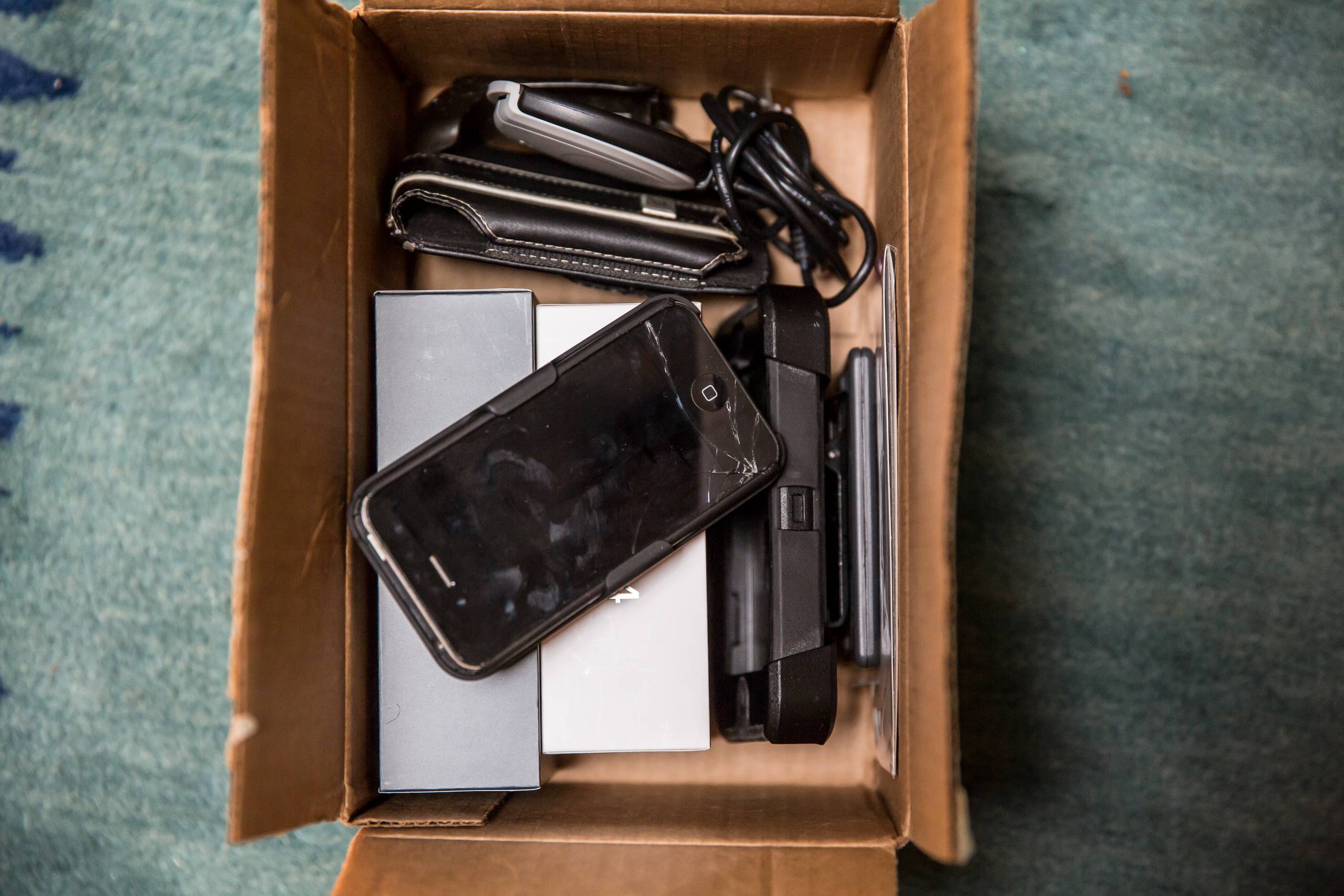
Julian Lucas: Yes, I had. In 2019, I reported on a reenactment of the largest slave rebellion in American history by the performance artist Dread Scott. Soon after that, I broke my iPhone, which had all the recordings from that performance. In addition, my dad had passed away not long before, and there were texts and voicemails from him. I was very sad to lose all of this.
I’m generally a pretty meticulous digital archivist. I took the phone to a repair shop, and they couldn’t do anything for me. But a few years later, the idea came up to do something on data recovery, and I thought, you know, why don’t we see what they can do?
Alexis Madrigal: And in fact, it was your dad who taught you to be good about backing things up, right?
Julian Lucas: Yes, absolutely. He was a musician—guitarist, songwriter, and producer. When I was growing up, he had a home recording studio with a bunch of computers he’d built. He had a home music server that he called Soul Bro, where he ripped his entire vinyl collection.
He was one of those people who didn’t trust streaming services or record companies to keep music in circulation. I think he was vindicated when we saw the Universal fire, where so many masters were lost. He really taught me to be careful about saving and backing up my files—not that I always followed his lessons, but I tried.
Alexis Madrigal: So when you lost access—not just to your work from the Dread Scott performance, but also to recordings of your father’s voice—what did that feel like?
Julian Lucas: I was pretty upset, probably because I knew all the precautions I could have taken. I was freelancing at the time and had cheaped out on the next level of iCloud storage. I’d been meaning to buy a new external hard drive and kept putting it off—and then it was gone.
It wasn’t just the phone, either. Around the same time, my mother and some friends were taking apart the computers in my dad’s old studio after he passed. There were two hard drives that might have been mine or his. I plugged them in and got nothing. So right after losing the phone, I felt like I had lost even more records that had sentimental value.
Alexis Madrigal: For those who don’t know, Julian’s dad is Reggie Lucas, a Grammy Award–winning musician and producer. I learned he wrote “Borderline” on Madonna’s debut album and played in Miles Davis’s jazz fusion group—so these are serious records of a life in music.
Julian Lucas: Yes—he wrote “Borderline” and produced the debut album.
Alexis Madrigal: There you go. Thank you for that. So you turn to DriveSavers and come out here. Give us a little tour—what’s it like?
Julian Lucas: I did a lot of research on data recovery companies across the U.S., but DriveSavers stood out. They’ve been around since the ’80s, they have a kind of theatrical sense of their work, and they’re in the Bay Area—so I flew out.
I drove over the Golden Gate Bridge to Novato, and the first thing that struck me was how nondescript the building is. But it’s surrounded by beautiful wetlands—there are otters and egrets. I thought, okay, this is heaven for hard drives.
Inside, they have what they call the “Museum of Bizarre Disasters”—a gallery of completely pulverized computers and phones. There was an iMac from a house fire where the mouse looked like a toasted marshmallow, an iPhone sliced in half on a monorail track. And the boast is that they were able to recover data from all of them.
They also have portraits of celebrities they’ve worked with—Khloé Kardashian, Sidney Poitier, Sarah Jessica Parker, who even did a Sex and the City episode about losing all your writing in a laptop crash.
Alexis Madrigal: That’s great. We also have someone from DriveSavers here—Sarah Farrell. Welcome to Forum.
Sarah Farrell: Thank you so much for having me, and lovely to hear you again, Julian.
Julian Lucas: Likewise, Sarah.
Alexis Madrigal: We also want to hear from listeners. Maybe you’ve lost a precious part of your digital history—what happened? Were you able to recover it? You can call us at 866-733-6786. That’s 866-733-6786. You can email [email protected] or find us on social media at KQED Forum.
Sarah, Julian mentioned the “Museum of Bizarre Disasters.” What are some of your favorite cases?
Sarah Farrell: I do love the monorail one—it’s sliced so cleanly in half. There was also a recent case where someone’s phone stuck to a sheet pan via MagSafe and ended up in the oven. They didn’t realize it until it was quite melted.
Alexis Madrigal: Oh no.
Sarah Farrell: Not fun if it’s your data—but interesting for us.
Julian Lucas: Sarah, didn’t you tell me some people put their phones in the oven as a DIY fix?
Alexis Madrigal: To dry them out?
Sarah Farrell: Sometimes phones, but more often SSDs. There’s an idea that heat can “reflow” the controller—but it usually doesn’t work.
Alexis Madrigal: SSD meaning solid state drive. How did you get into this work?
Sarah Farrell: It’s a long story, but I’ve been at DriveSavers for 24 years and have done almost everything there.
Alexis Madrigal: Including data recovery?
Sarah Farrell: Yes. I worked in the lab on physically damaged flash memory—phones, SSDs, anything that’s not a spinning hard drive. I especially love working on smashed devices.
Alexis Madrigal: Why?
Sarah Farrell: I find it delightful to put them back together.
Alexis Madrigal: What does that actually look like? Are you in a lab coat with goggles?
Sarah Farrell: In the clean room, yes—but flash memory work doesn’t require that level of protection. We use soldering irons, hot air rework stations, multimeters, fine tweezers, and microscopes. Most of the work is done under a microscope.
Alexis Madrigal: And when you say “putting it back together,” you mean literally?
Sarah Farrell: Yes—tiny resistors, capacitors, chips on the board. With water damage, we might remove chips, clean them, recreate the solder balls—called “reballing”—and put them back.
Alexis Madrigal: Julian, you tried this, right?
Julian Lucas: Not very successfully. I’d never soldered before, let alone under a microscope. My hands were shaking like crazy. I did an okay job, but I was told I accidentally fused some components that shouldn’t have been connected.
Sarah Farrell: But he showed potential.
Alexis Madrigal: For listeners trying to picture this—what all has to work together?
Sarah Farrell: It’s a combination of hardware, software, and electrical circuits. In something like an iPhone, certain chips are “married” together. You need the memory chip—the NAND—but also the CPU and a tiny chip called the logic EEPROM. If any of those are damaged beyond repair, we can’t recover the data.
In extreme cases, we do a transplant—moving critical chips onto a functioning board. It’s risky, so we try everything else first. But if we can get those key components, even from something sliced in half, we have a chance.
Alexis Madrigal: I’m ready to pitch “The Pitt,” but for DriveSavers—you make it sound very exciting. We’re talking about losing your digital history with Sarah Farrell from DriveSavers Data Recovery in Novato and Julian Lucas, staff writer at The New Yorker. His latest article is about DriveSavers and digital recovery.
We’ll be back with more right after the break.